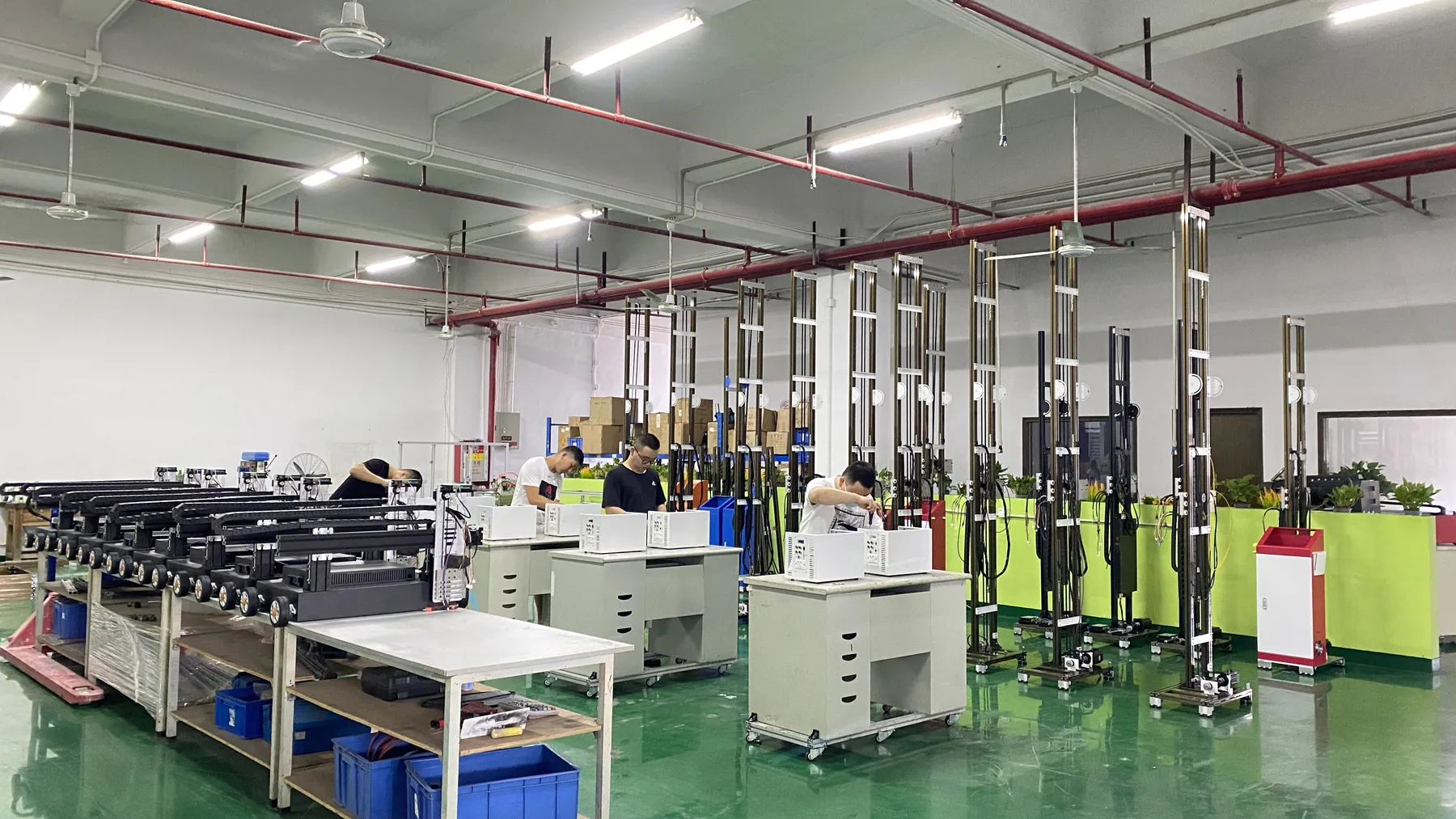
WallPrintScale, the Wall Printer Manufacturer Brand of the MAXWAVE Factory
WallPrintScale is MAXWAVE's brand for commercial wall printing equipment. Every machine is built and tested on MAXWAVE's own production line; WallPrintScale configures, quotes and supports it.
The buyers are sign and advertising companies, large-format print companies, renovation and decoration contractors, mural studios, distributors and OEM partners: businesses that add wall printing to work they already sell.
- Manufacturer
- Wuhan Maxwave Laser Technology Co., Ltd
- In-house
- Seven manufacturing stages, design to crate
- Printheads
- Original Epson in every series
- Certificates
- CE under the EMC and Machinery Directives
- Warranty
- 2-year whole-machine warranty
- Support
- Remote installation check and operator training
The Wall Printer Manufacturer Behind WallPrintScale
The manufacturer is Wuhan Maxwave Laser Technology Co., Ltd. The same name and address appear on the CE certificates for the machines, so the documents that come with your quotation trace back to the company that builds the equipment.
- Legal name
- Wuhan Maxwave Laser Technology Co., Ltd
- Address
- 1-2, Building B8, 28th Street Leisure Business Center, Panlongcheng Economic Development Zone, Huangpi District, Wuhan, Hubei, China
- Trademark
- MAXWAVE, registered trademark No. 66902017
- Range
- GP200, GP200B, UP200 and UP200P, all designed, assembled and tested by the same manufacturer; the full range is on UV Wall Printers
MAXWAVE makes wall printing machines and wall-and-floor printing equipment. The two names split the work in a simple way.
MAXWAVE builds the machine
Design, parts, assembly, testing, packing and shipping of all four series.WallPrintScale is the team you deal with
Matches a series, printhead and ink set to your walls, issues the quotation with the certificate set, and stays your contact for installation, training and warranty.From the first enquiry to the end of the warranty period, you deal with one company.
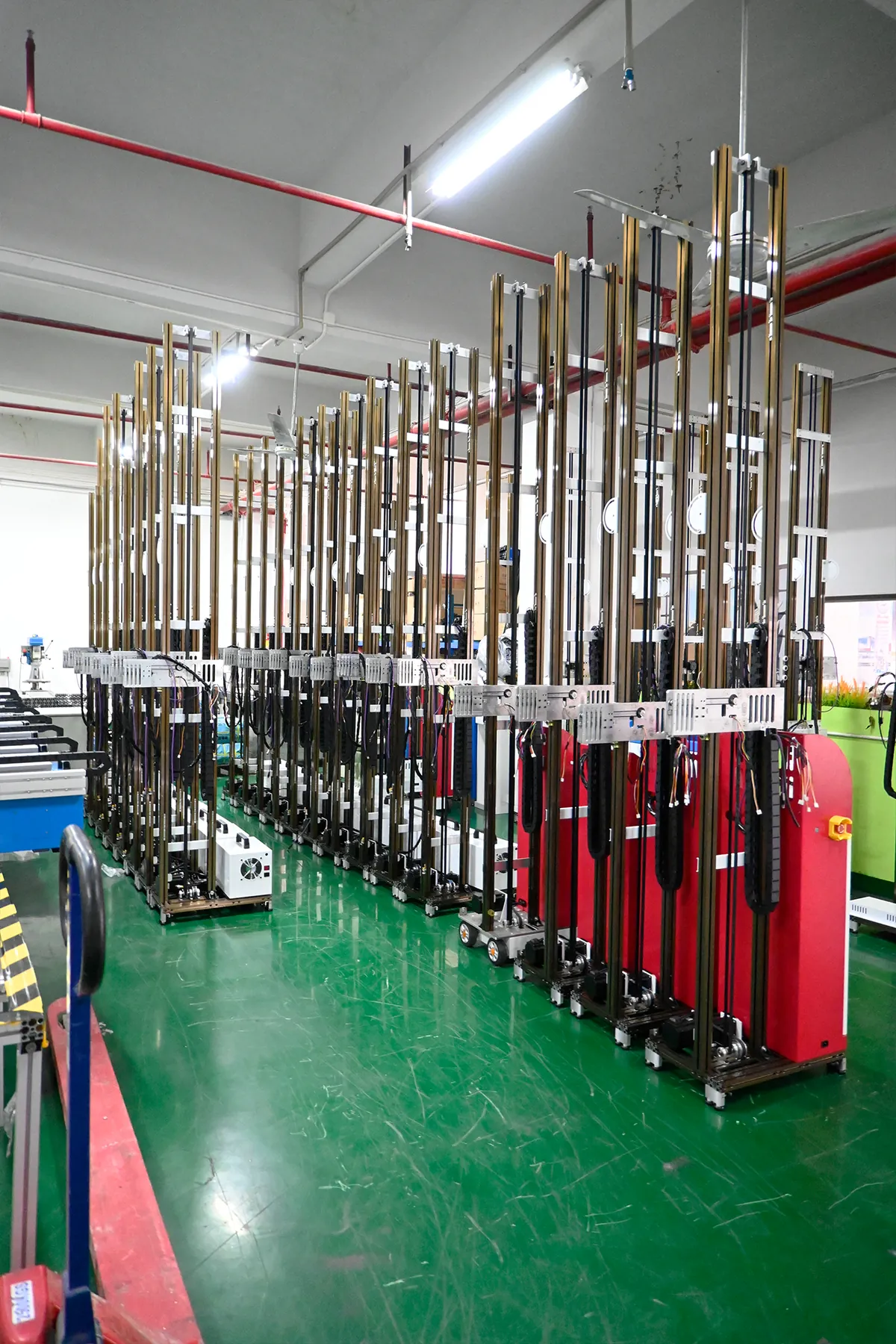
Businesses We Supply With Wall Printing Equipment
Every buyer already sells graphics, print or interiors. The machine becomes one more service on work they have.
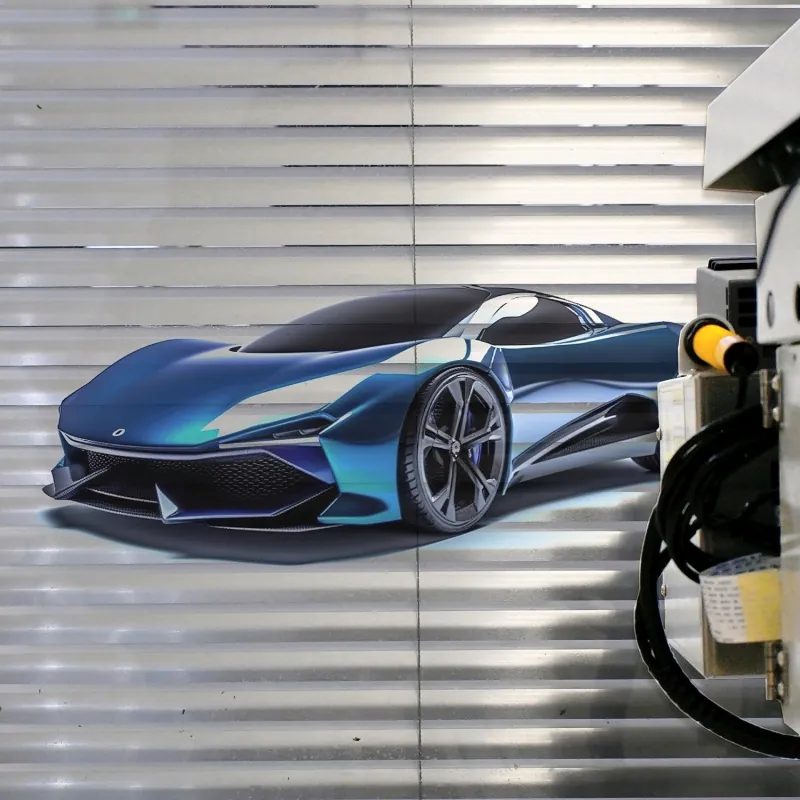
- Sign and advertising companiesAdd logo walls and shop-front graphics.
- Large-format print companiesTake the same artwork onto walls, glass and panels.
- Renovation and decoration contractorsAdd feature walls to the fit-outs they already run.
- Mural studiosAdd a machine alongside their painters.
- Distributors and OEM partnersResell the range in their own markets.
Quoted as a configuration
Each machine is quoted for the surfaces and wall sizes your business handles.Training for your own crew
Set up for an operator from your existing team, not a new hire.Documents in the manufacturer's name
Certificates and test reports ready to pass on when you install or resell.How each business type puts the machine to work is set out on Business Solutions, and the print-shop workflow is on Wall Printing for Sign and Print Shops.
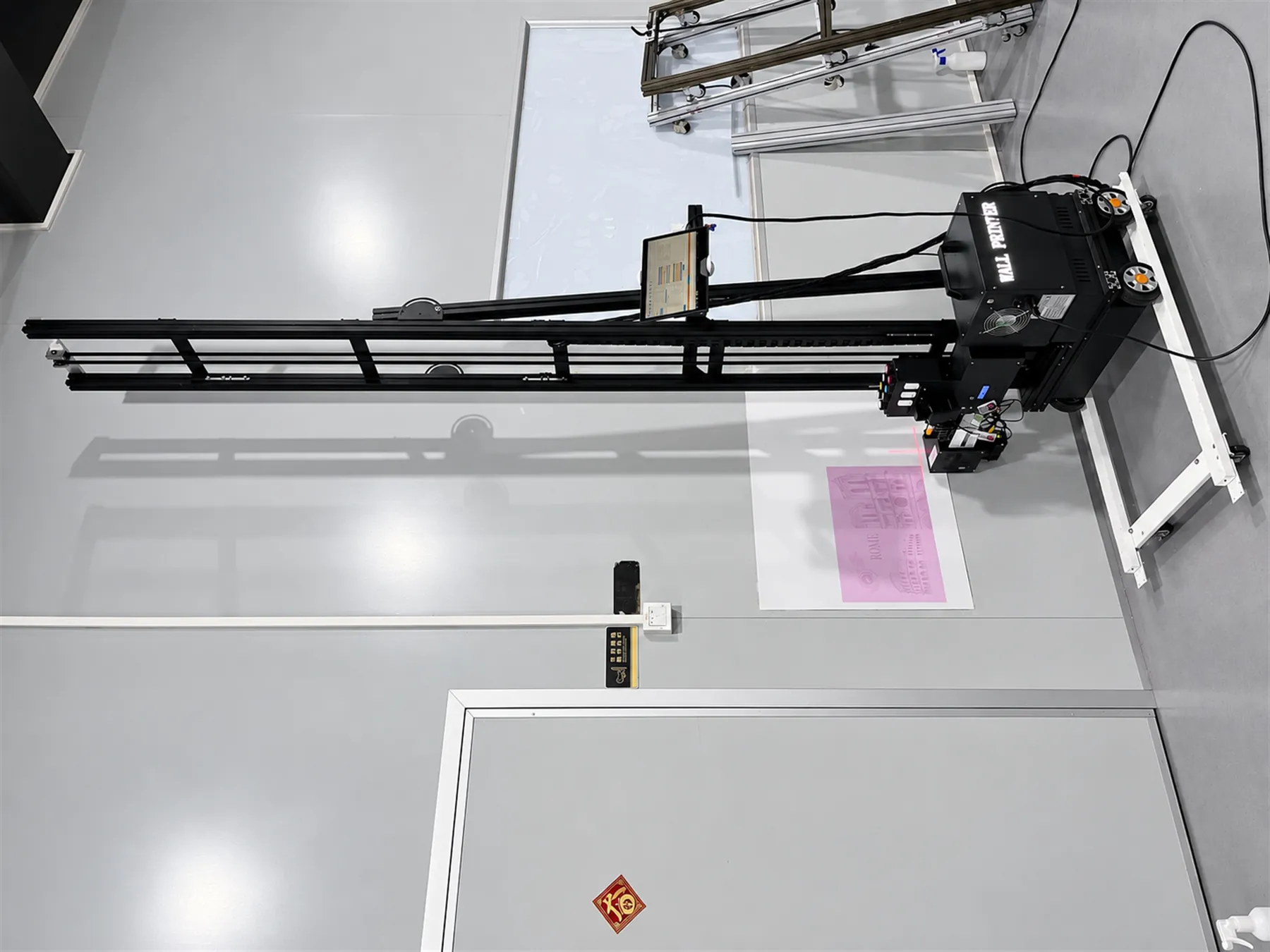
Stage-by-Stage Responsibility for Your Machine
All seven manufacturing stages run inside the same manufacturer, from the design to the crate. WallPrintScale takes over where you come in.
| Stage | Handled by | What it covers |
|---|---|---|
| Research and development | MAXWAVE | Machine design, from the rail structure to the ink system |
| Parts sourcing | MAXWAVE | Components including original Epson printheads, checked before assembly |
| Assembly | MAXWAVE line | Column profiles, motor bases, head carriages, control boxes, head units |
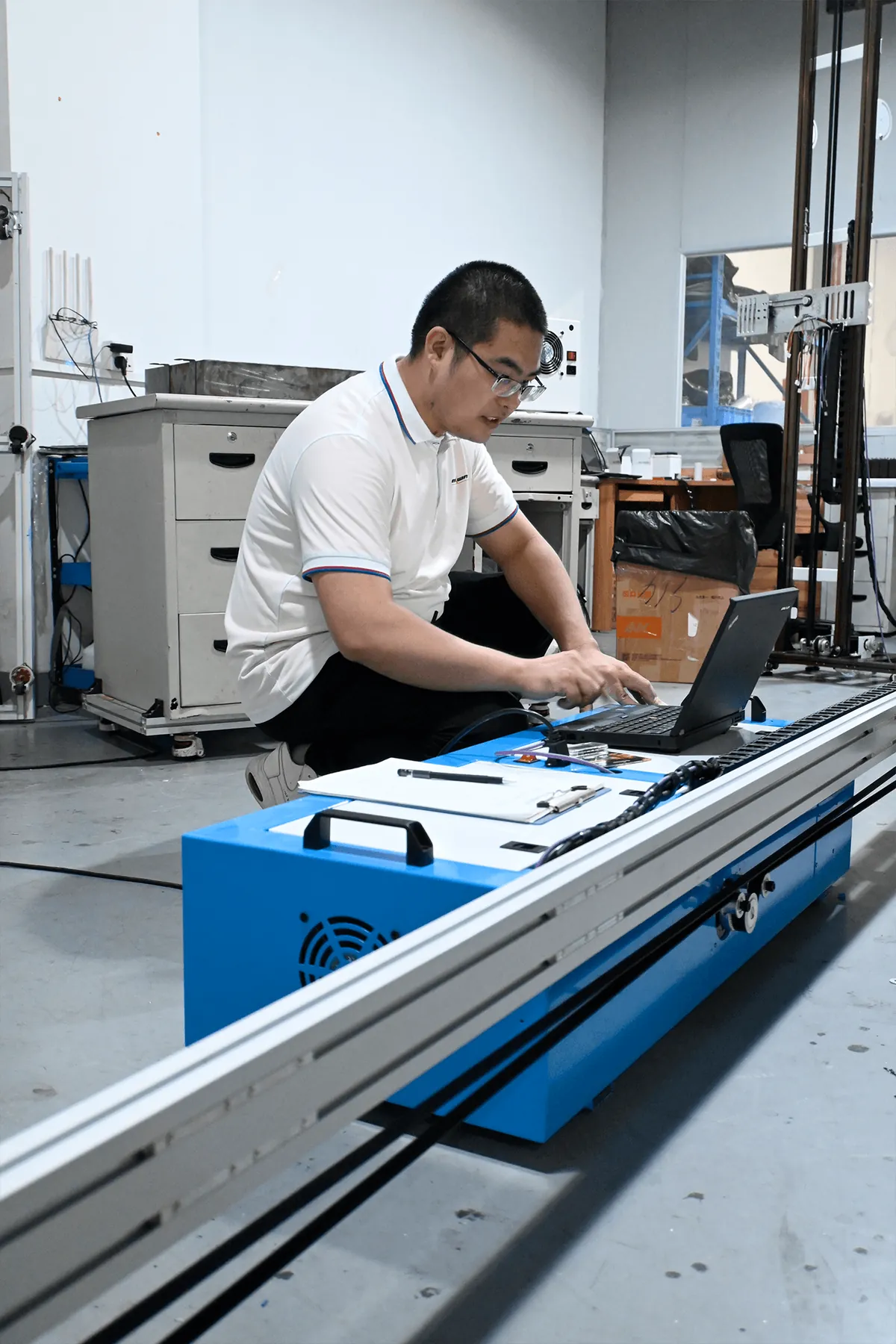
| Whole-machine testing and inspection | MAXWAVE | Software installed and every machine test-printed |
| Protective packing and logistics | MAXWAVE | Wooden bases, wooden crates, pallets, loading |
| Configuration and quotation | WallPrintScale | Series, printhead, ink set and base; certificate set for that configuration |
| Installation check and training | WallPrintScale | Remote video check of the assembled machine, remote operator training |
| Warranty | WallPrintScale | 2-year whole-machine warranty cases, handled with the MAXWAVE factory team |
When a question comes up about your machine, it goes back to the company that designed, built and tested it, and WallPrintScale is the one address for it. The production line and its stages are photographed on Wall Printer Factory.
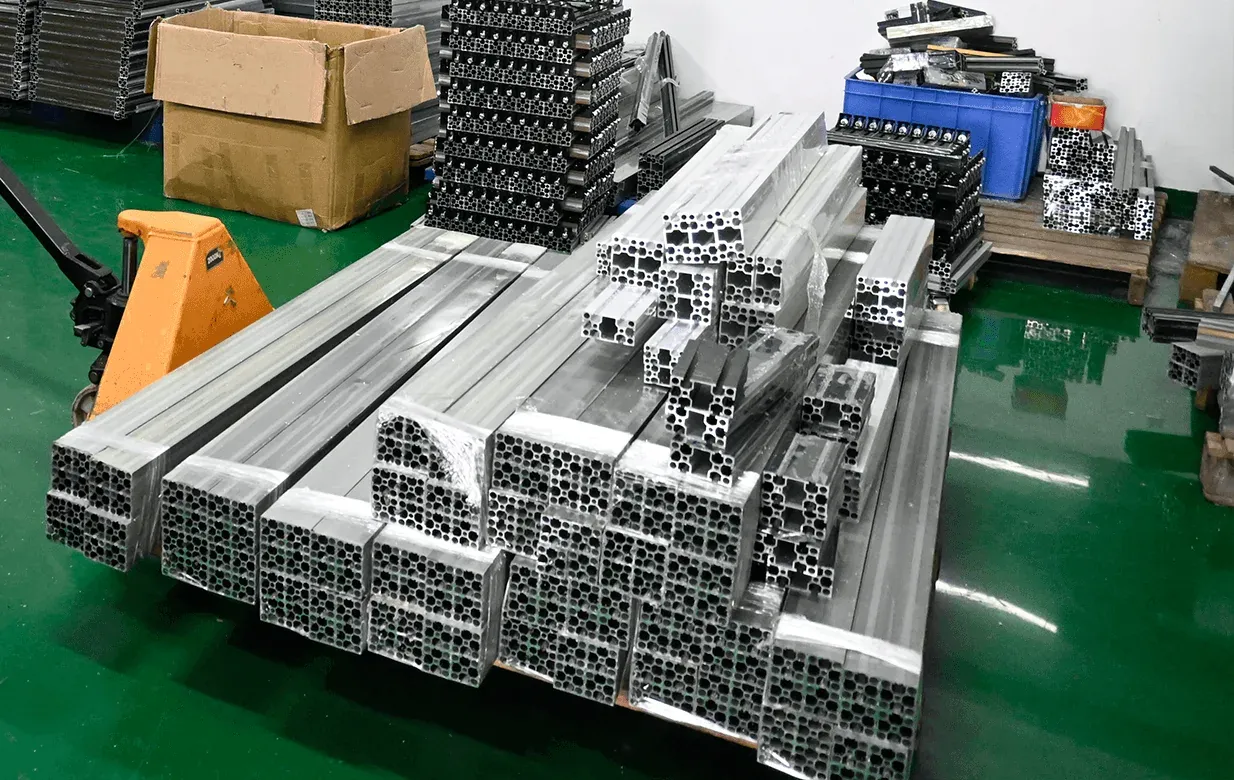
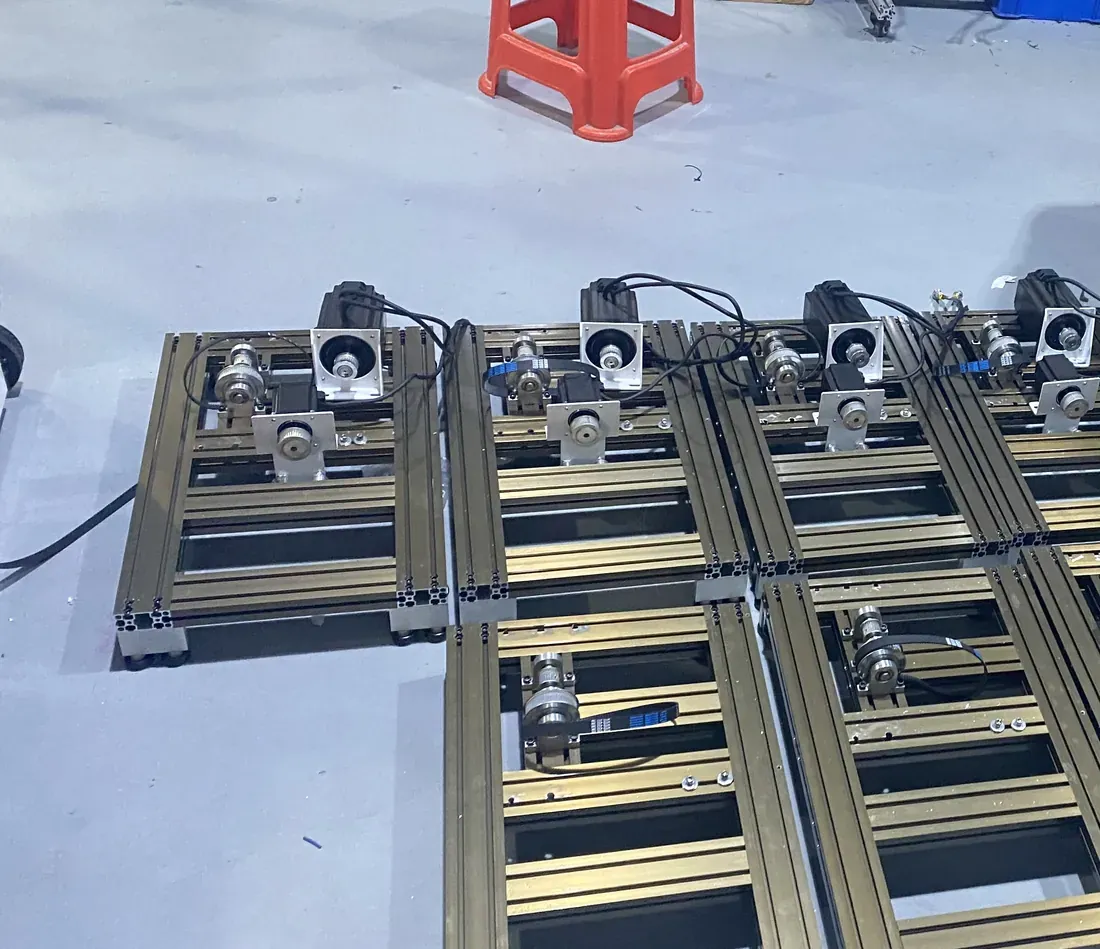
The rail design, the parts check, the assembly, the test print and the crate all stay with one manufacturer in Wuhan.
Wall Printer Manufacturer R&D Built Around Client Sites
A wall printer is used in places a print-shop machine never goes. It is set up at the client's premises, prints on walls that are not perfectly flat, moves between jobs and is run by an operator from your existing team.
Each design change aims at one result: a job on site runs to the end with the people and power available there.
- Transport and setup
- Modular frame that splits into small packages and joins with plugs and clips Frame section
- Wall and floor
- Rotating print unit on the GP200B, from walls to floors on the same rails Rotation section
Functions every series carries for work on site
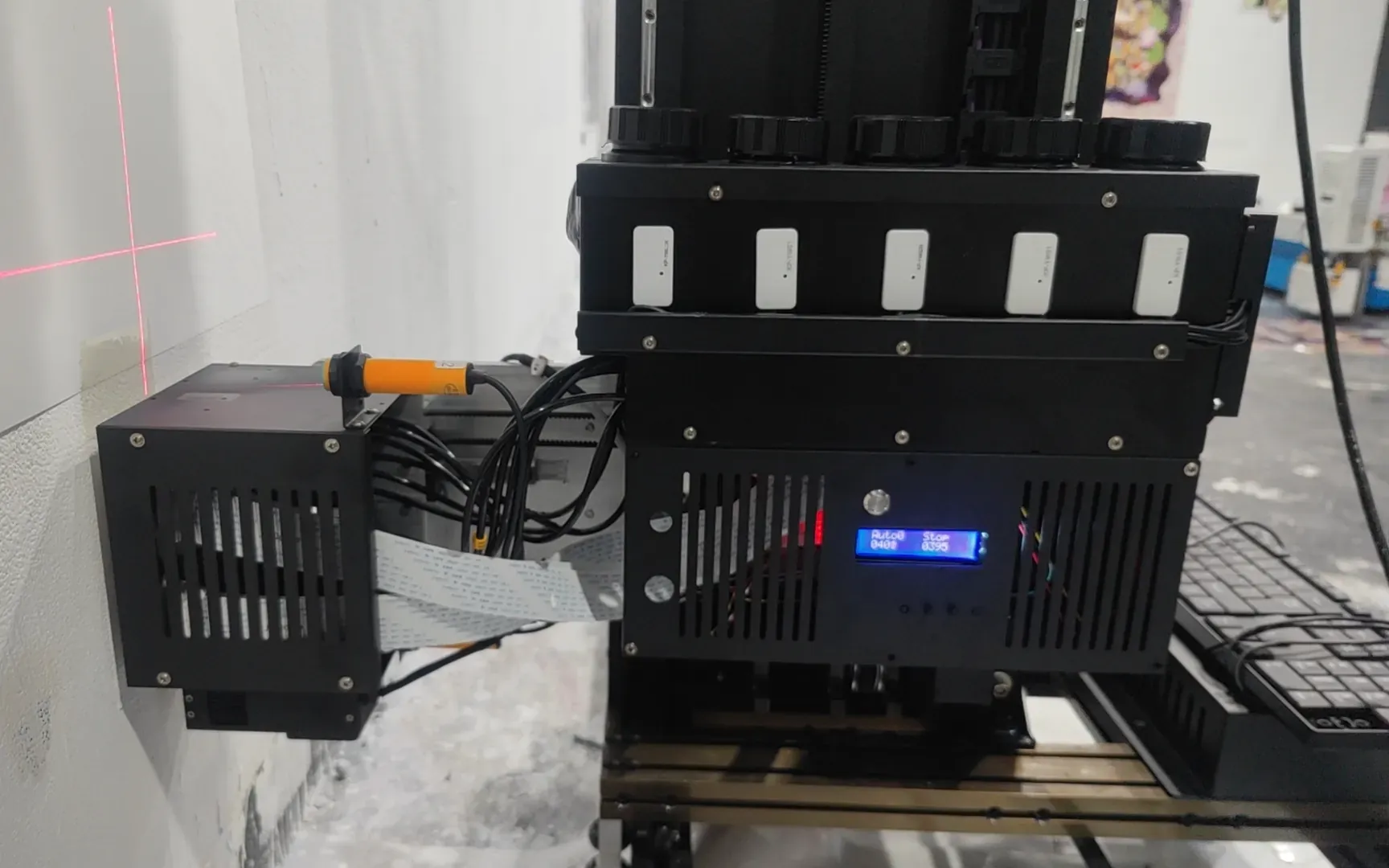
- Dual ultrasonic sensors let the head follow bumps and dips of up to 1.5 cm.
- Red-light positioning marks where the image starts.
- The UP200 resumes printing after a power cut and lowers its head automatically when power is lost.
- The UP200P can run from a UPS that supplies 2000 W.
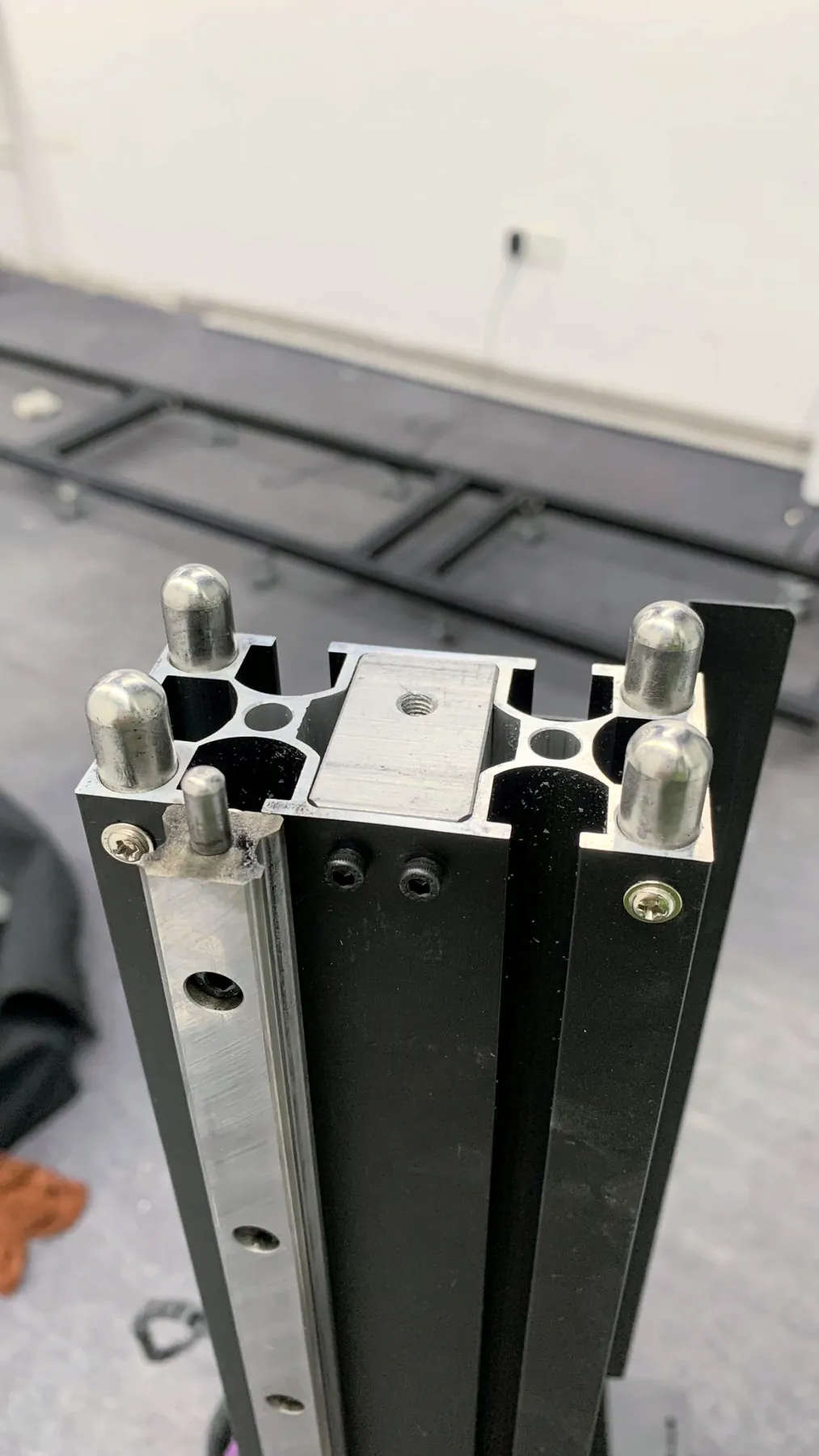
Rail and Slider Structure on the GP200
A wall image is built from passes of the print head, and every pass has to land exactly next to the last one for the image to hold its detail.
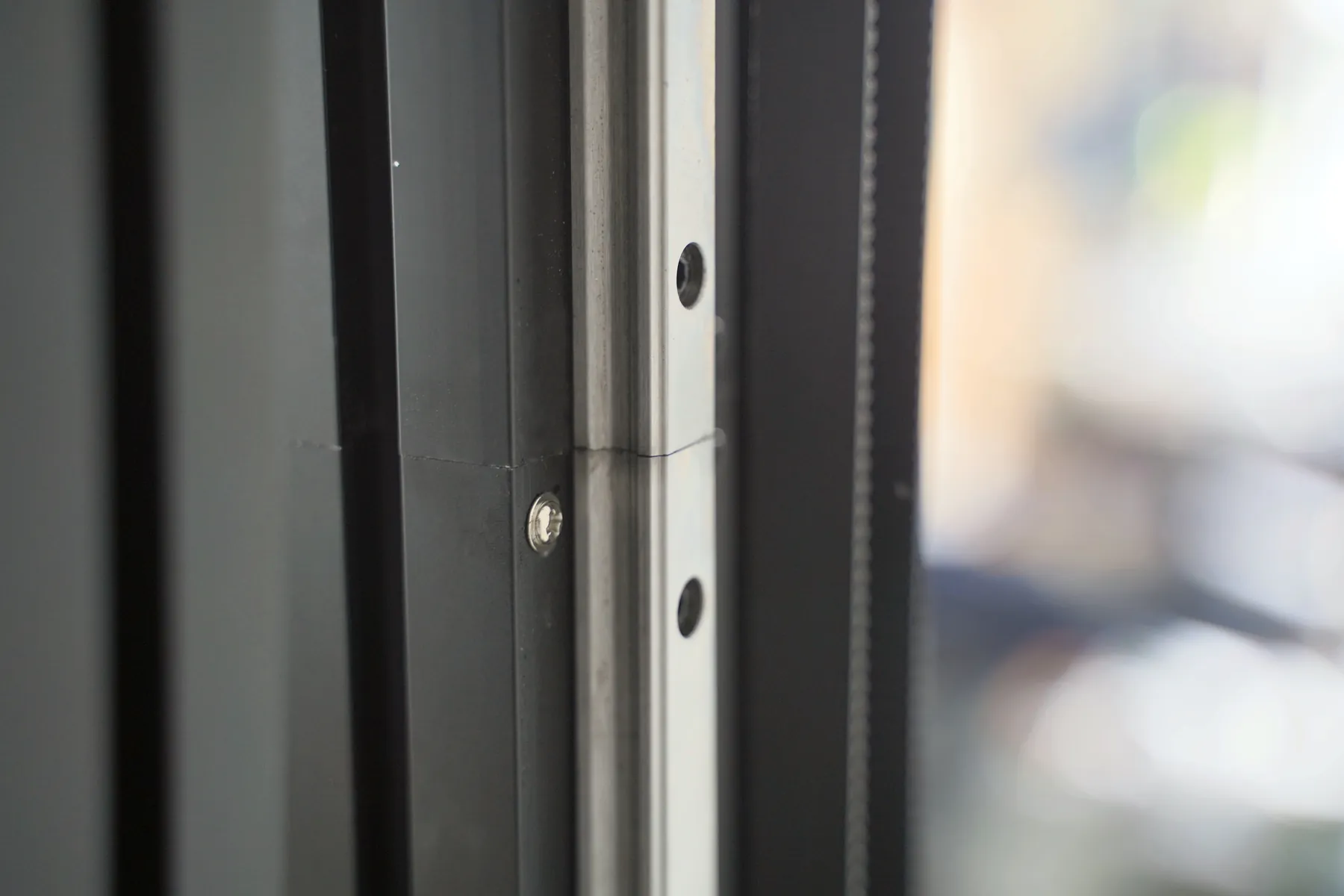
On the GP200 the head runs on a guide rail with sliders. The carriage moves with low running noise, and the steady travel makes the GP200 the series with the highest precision and the most stable printing in the range.
- Floor rail
- 6 × 1 m
- Print height
- 2.5 m
- Weight
- 45 kg
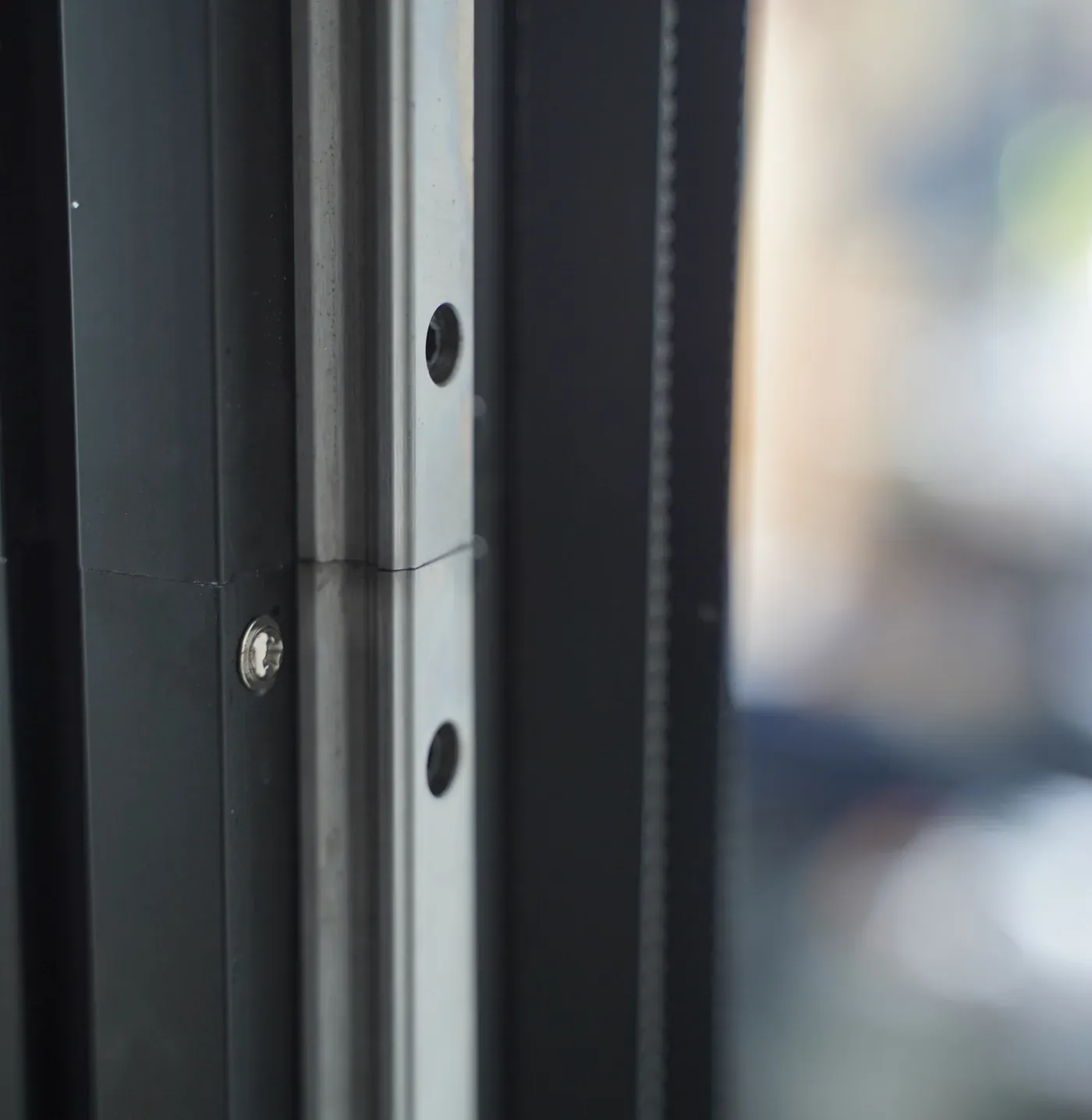
The rail is checked for straightness and paint finish before assembly, because the head carriage travels on it for every pass. The GP200 stands on its floor rail sections or a wheeled base, the image width grows by adding rail sections, and it is the lightest series in the range.
Where to quote it
Artwork with fine detail that the client will see from close up: reception logos, photographic murals in offices and hotels, interior walls designed by an architect. Full details are on GP200 Digital Wall Printer.
Modular Frame That One Person Sets Up
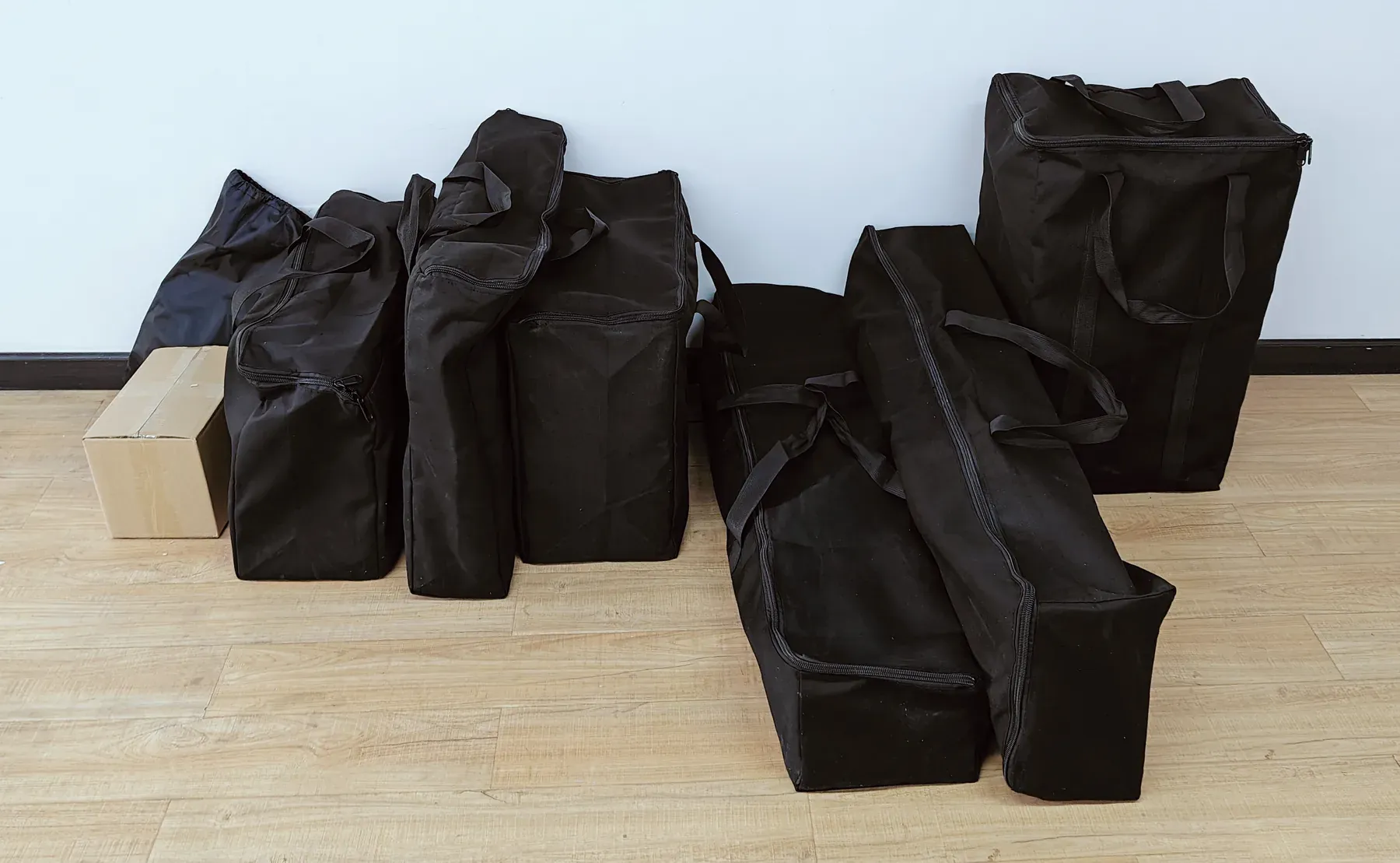
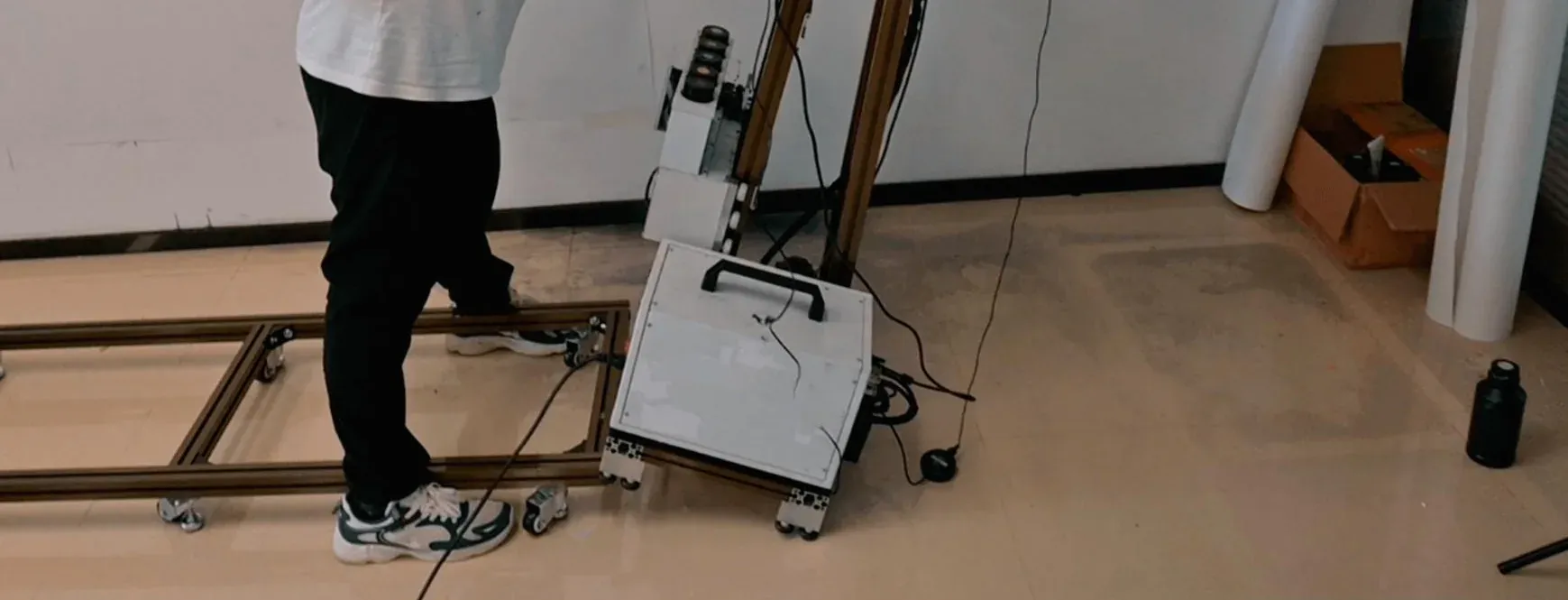
A wall printer travels to every job, so the frame is designed for transport as much as for printing. MAXWAVE built the GP200 as a modular frame whose parts connect with plugs and clips.
- 7packagesThe GP200 splits into seven small packages for transport.
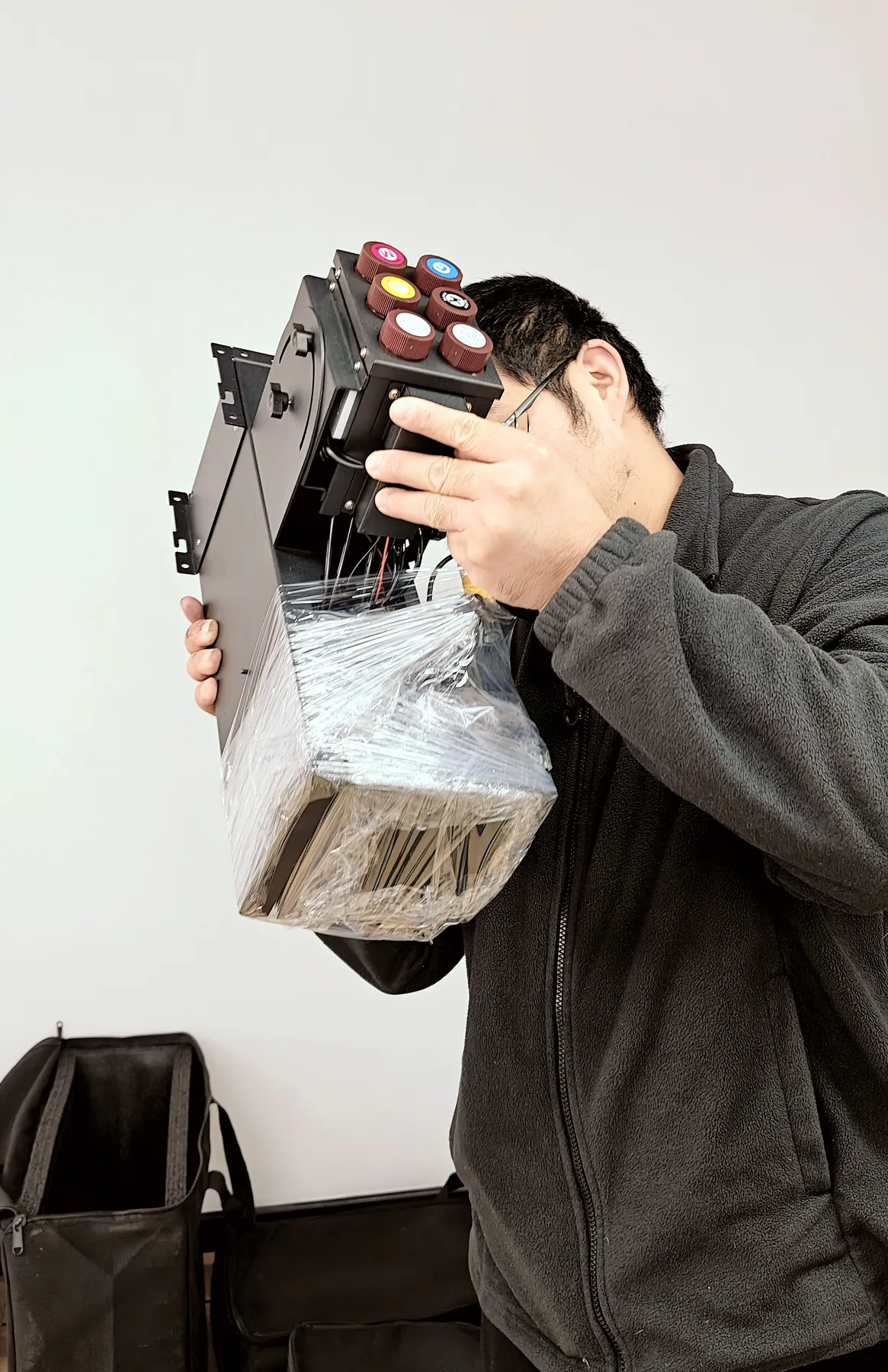
- 6.9kgWeight of the GP200 print head unit, lifted on by hand.
- 10min, aboutOne person sets the GP200 up at the wall.
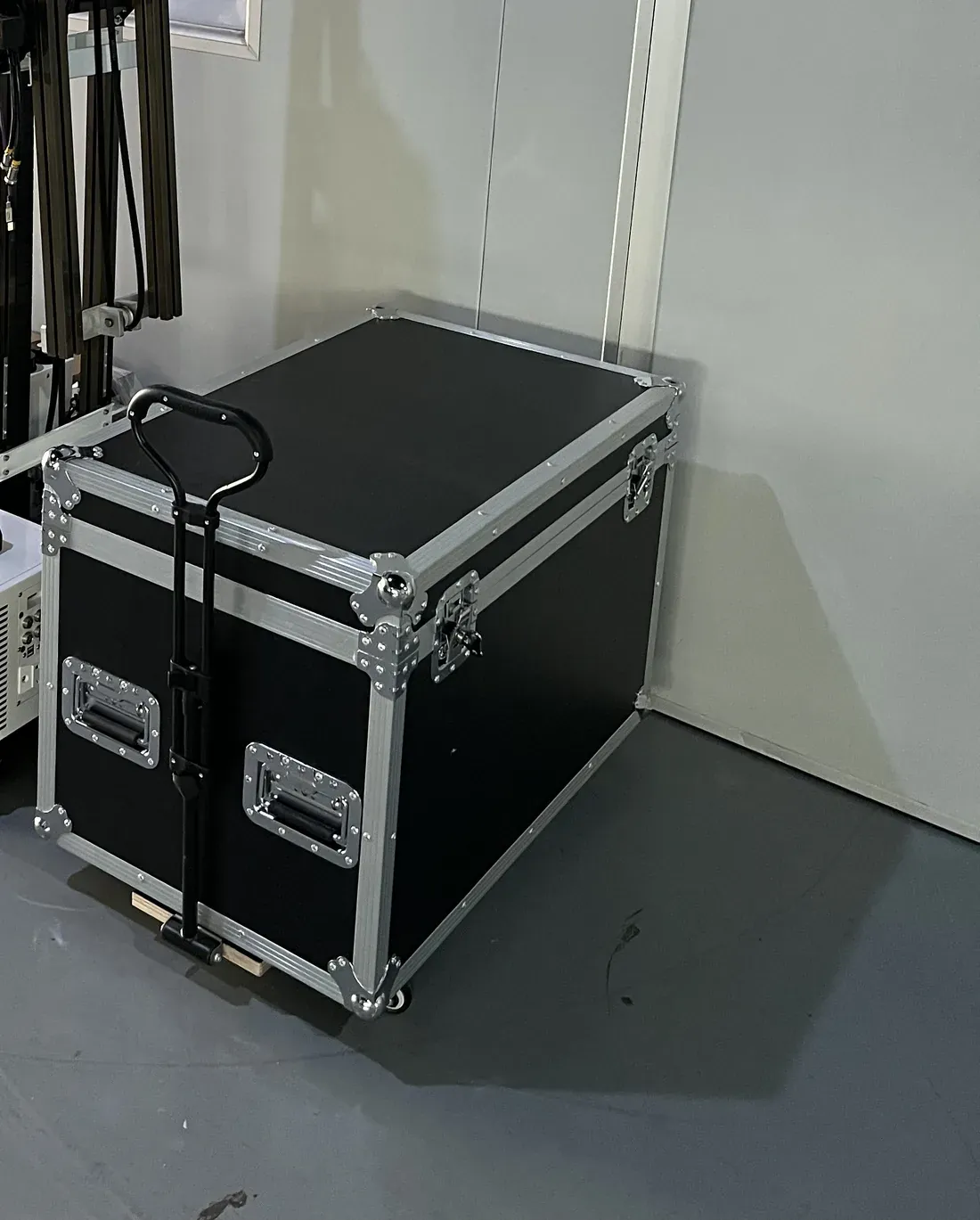
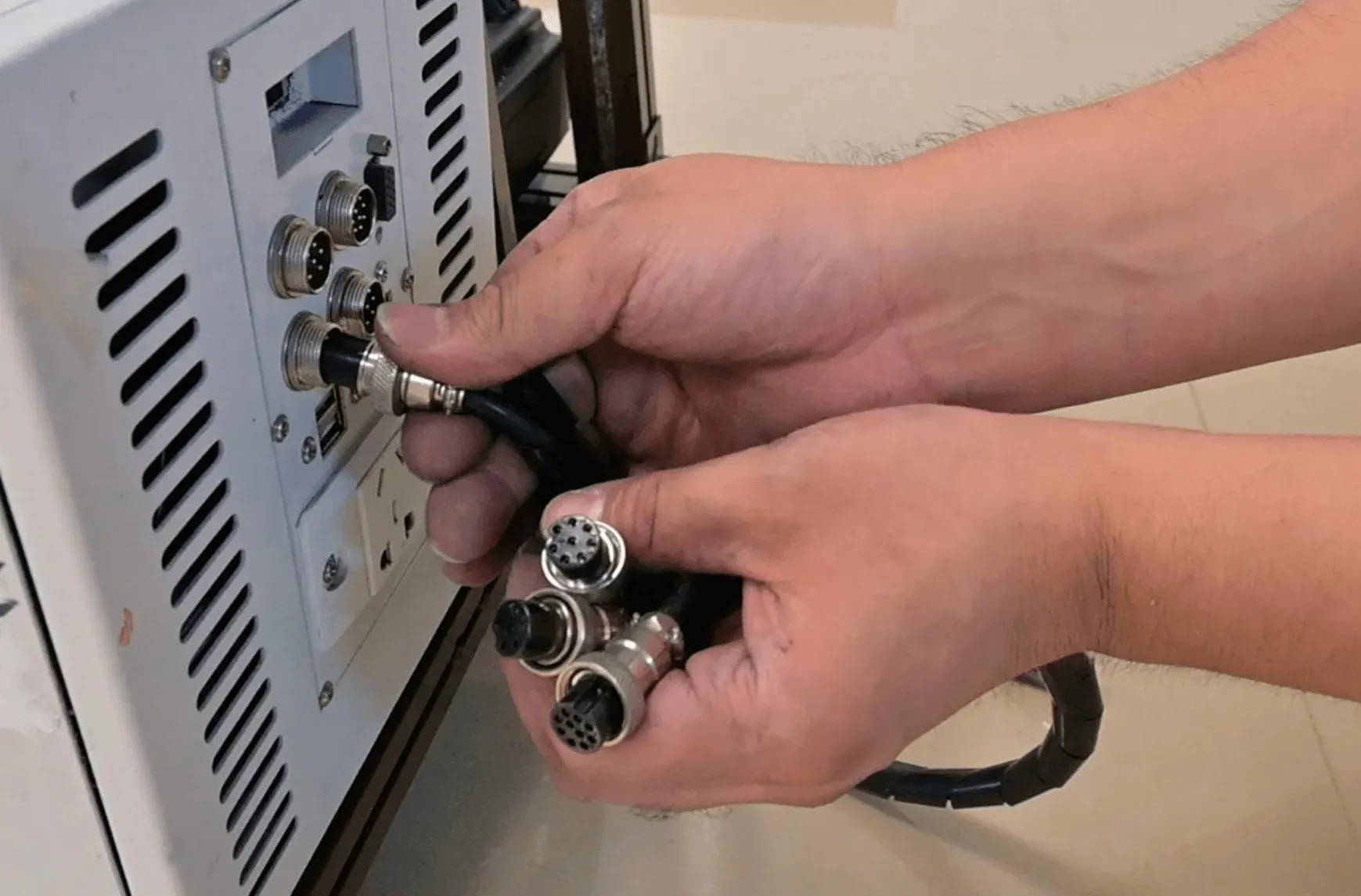
The UP200P follows the same idea on a column printer. Its control cabinet is portable, and after the machine is taken apart it packs into a flight case with a trolley handle. On every series the rail frame extends in sections, so one machine covers a short reception wall or a long corridor.
For a business sending a crew to client premises, this decides how a job day starts: the machine travels in small packages and one operator assembles it at the wall.
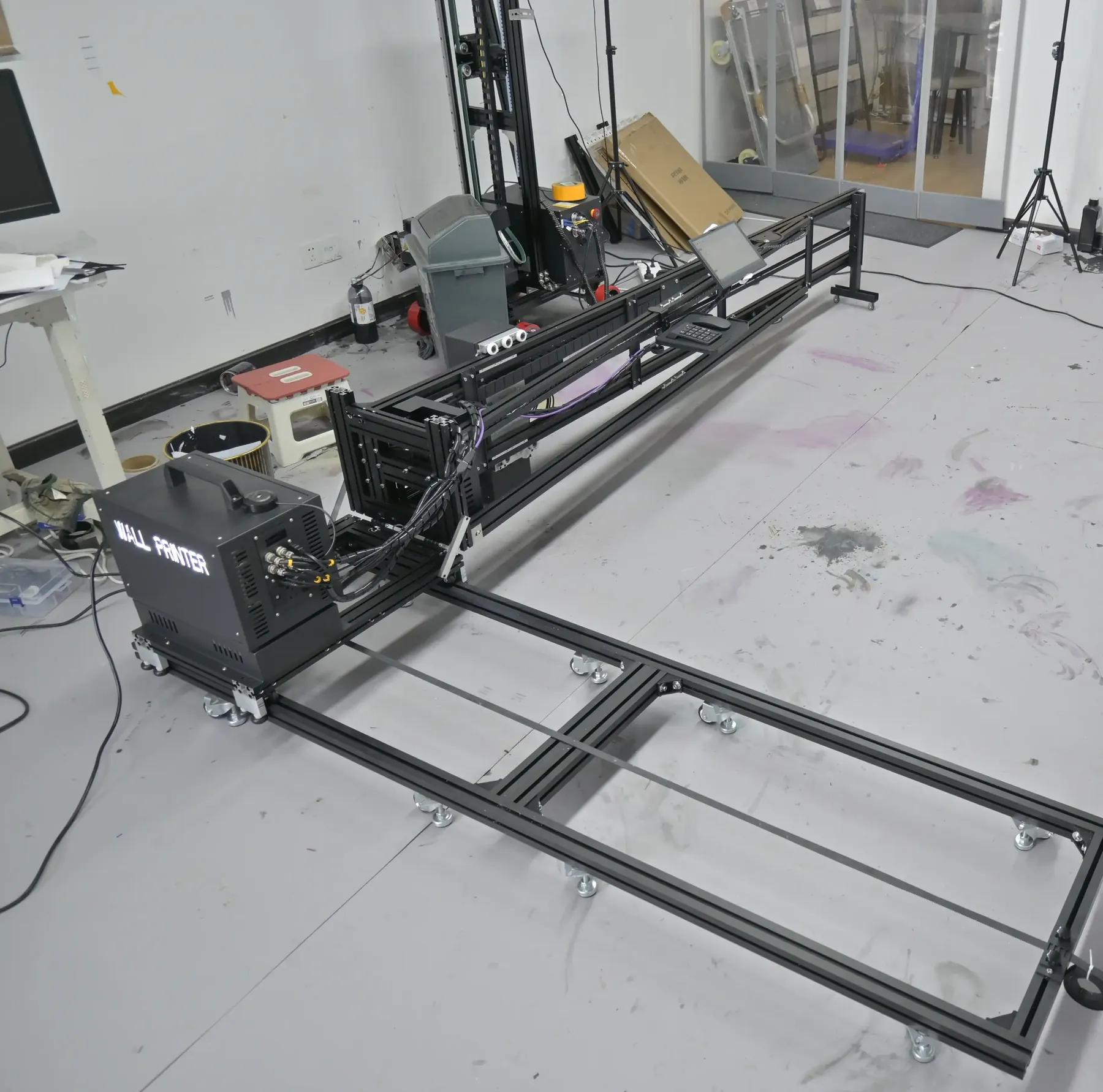
Wall-to-Floor Rotation on the GP200B
The GP200B was developed so that one machine prints on walls and on floors. Its print unit rotates from wall printing to floor printing in about 2 minutes, without taking the rails apart. It is the one series in the range that prints on floors.
| Floor rail width | 3 m |
| Floor print width | up to 2.3 m |
| Wall print height | 2.5 m standard, 3 m option, custom up to 4 m |
| Base | Wheeled or rail |
| Design patent | ZL 2024 3 0255771.X |
For a business quoting a shop, showroom or event space, the machine already set up for the wall graphic also prints the floor graphic in the same space, with the same operator. Configurations are on GP200B Wall and Floor Printing Machine.
Ink System With Electric Suction and Heated Printheads
Every series prints UV ink for walls, in CMYK or CMYK + W. LED UV lamps cure the ink as it prints, which gives a water- and UV-resistant finish: the client's wall is finished when the last pass is done.
The ink system keeps the printheads ready between jobs, so the machine prints the next morning without a long cleaning routine.
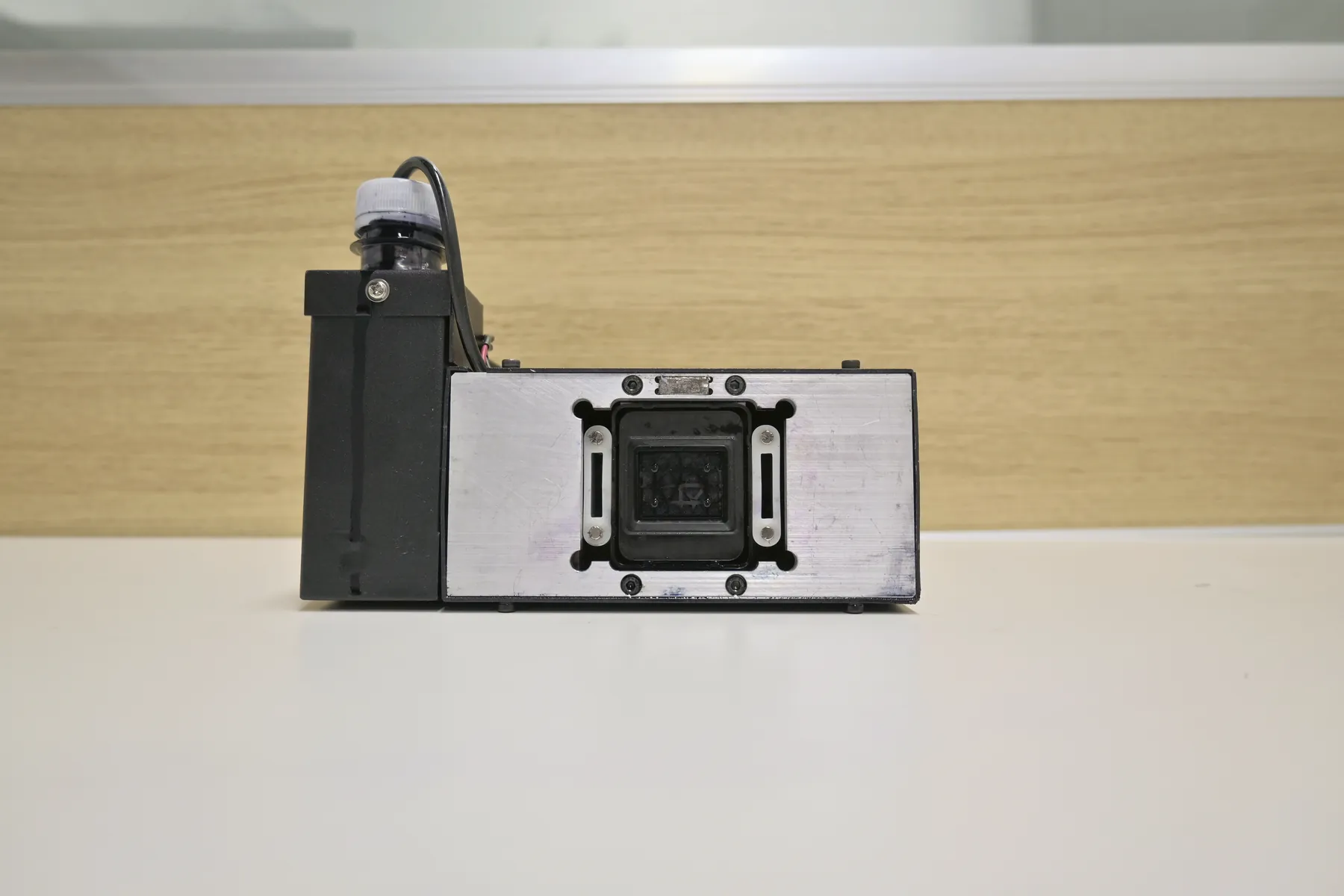
Electric ink suction
Cleans the printheads; a cap keeps them moist while the machine is parked.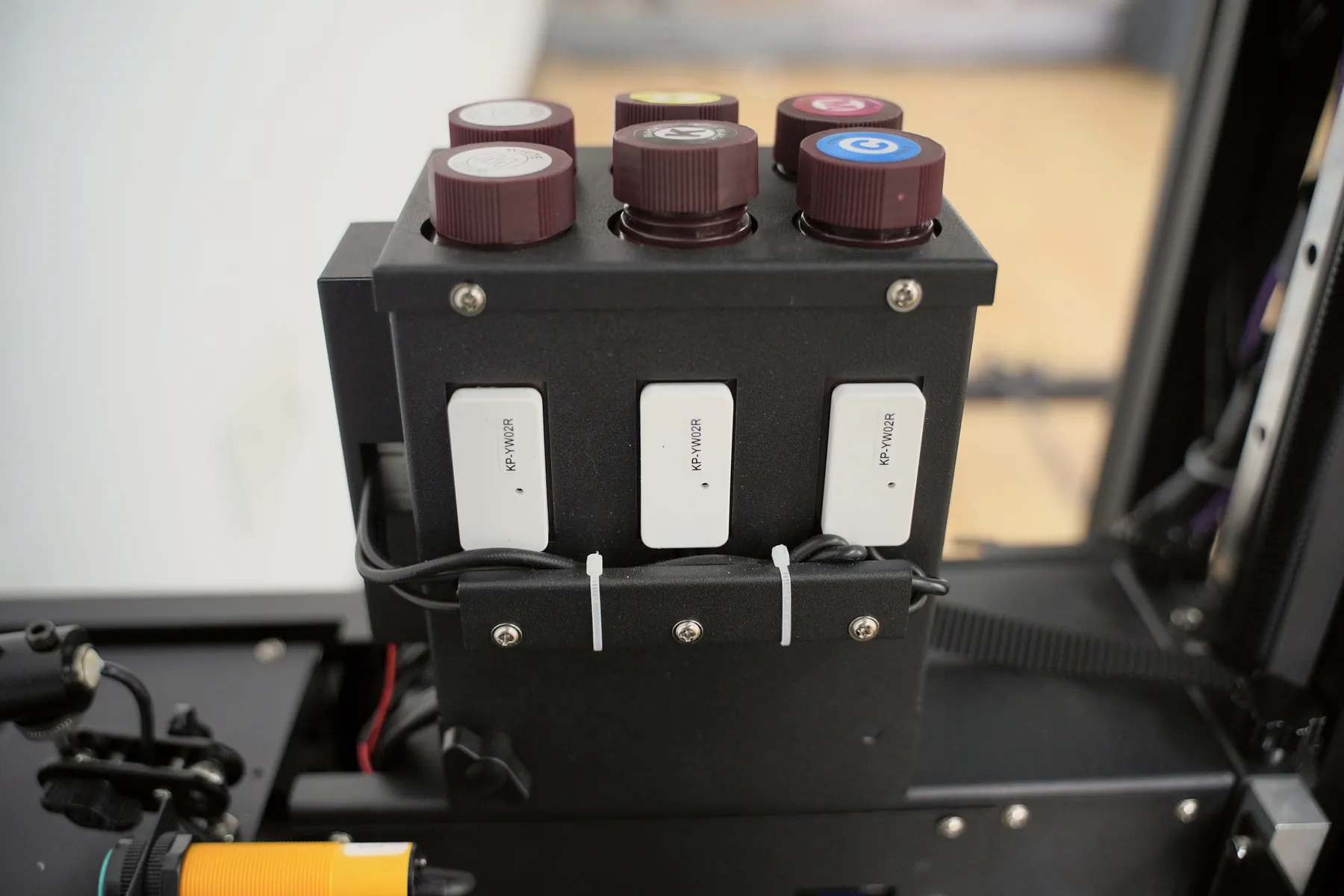
White ink stirring and low-ink alarm
On CMYK + W the white ink is stirred automatically, and an alarm warns before ink runs out.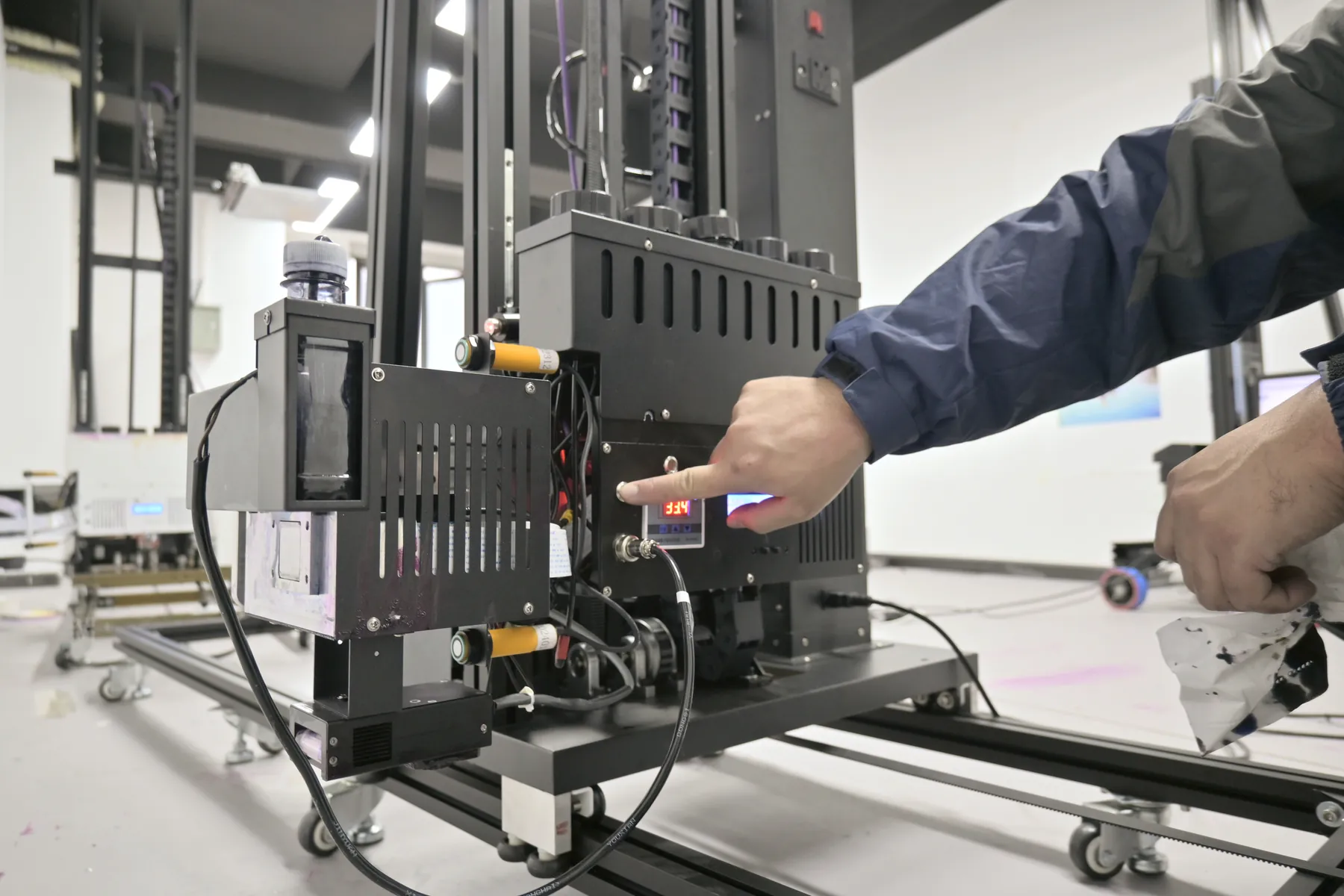
Heated printheads
The printheads are heated, and the UP200 holds them at a constant temperature.
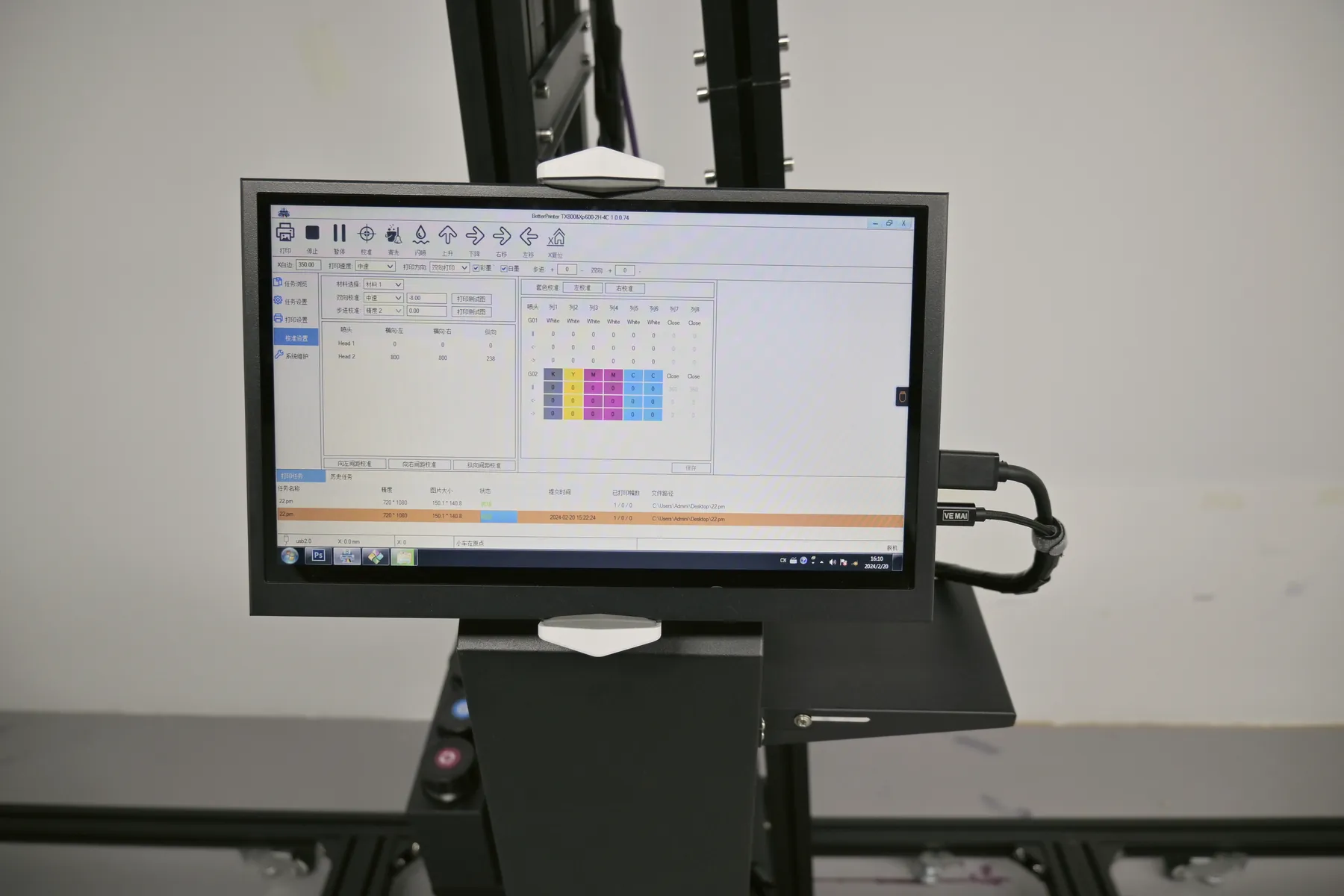
Control Software an Operator Learns in About 10 Minutes
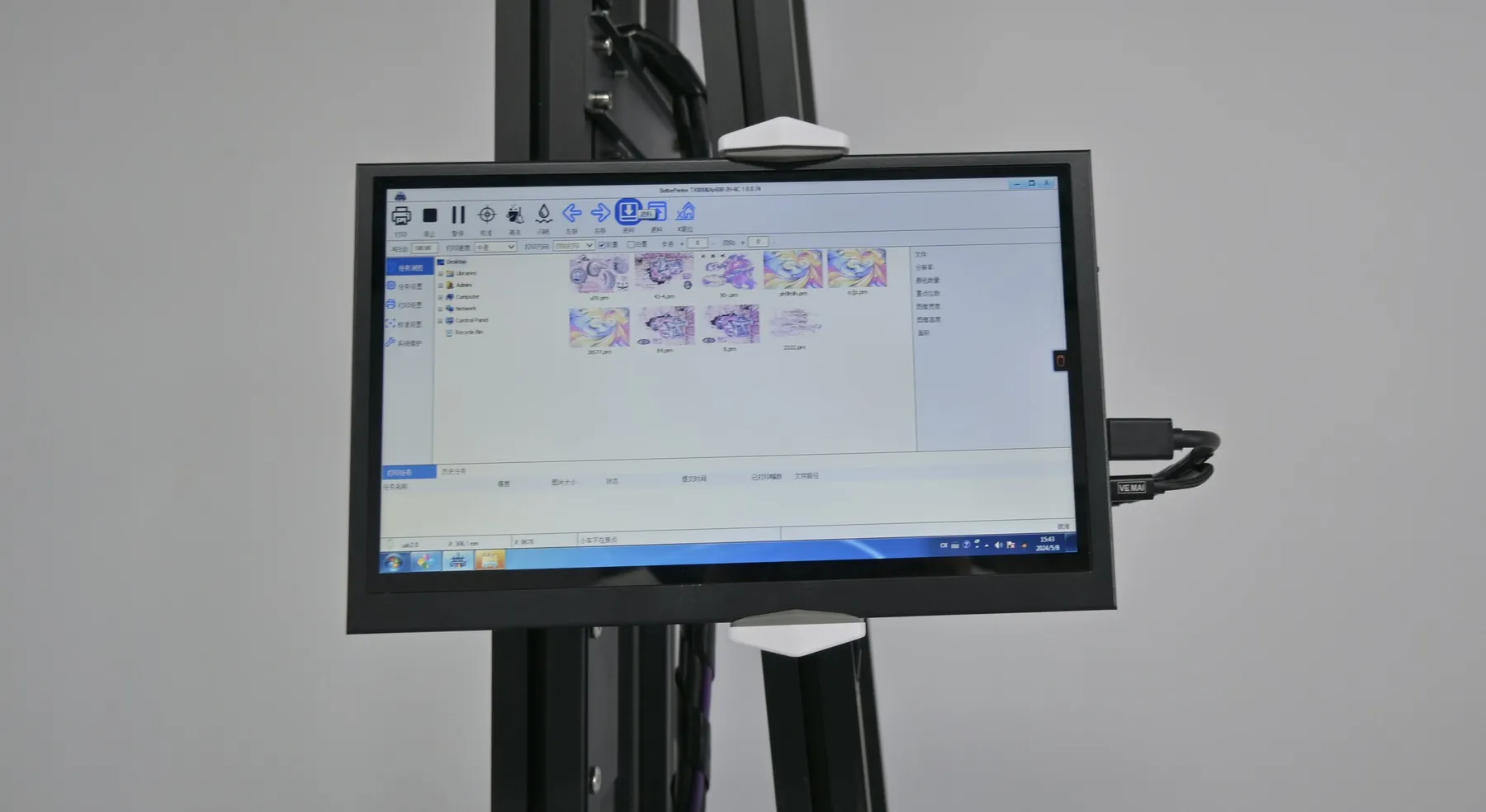
The control software is installed at the factory before the machine is tested, so the machine arrives with its software set up.
- Software
- BetterPrint with the Ultraprint RIP; Maintop is also supported
- Interface
- English, Chinese and Russian
- Files
- TIFF
- JPEG
- PNG
- Artwork
- CMYK at 300 dpi or more, the same formats used for banner and sign artwork
On the wall
Red-light positioning marks where the image will start, and image zone printing splits a large image into zones that the machine prints in turn. A new operator learns the basic print workflow in about 10 minutes.
The machine does not depend on one specialist. The person who installs signs or prints banners today can be trained to run it, and a second operator is trained the same way when work grows.
Original Epson Printheads by Model
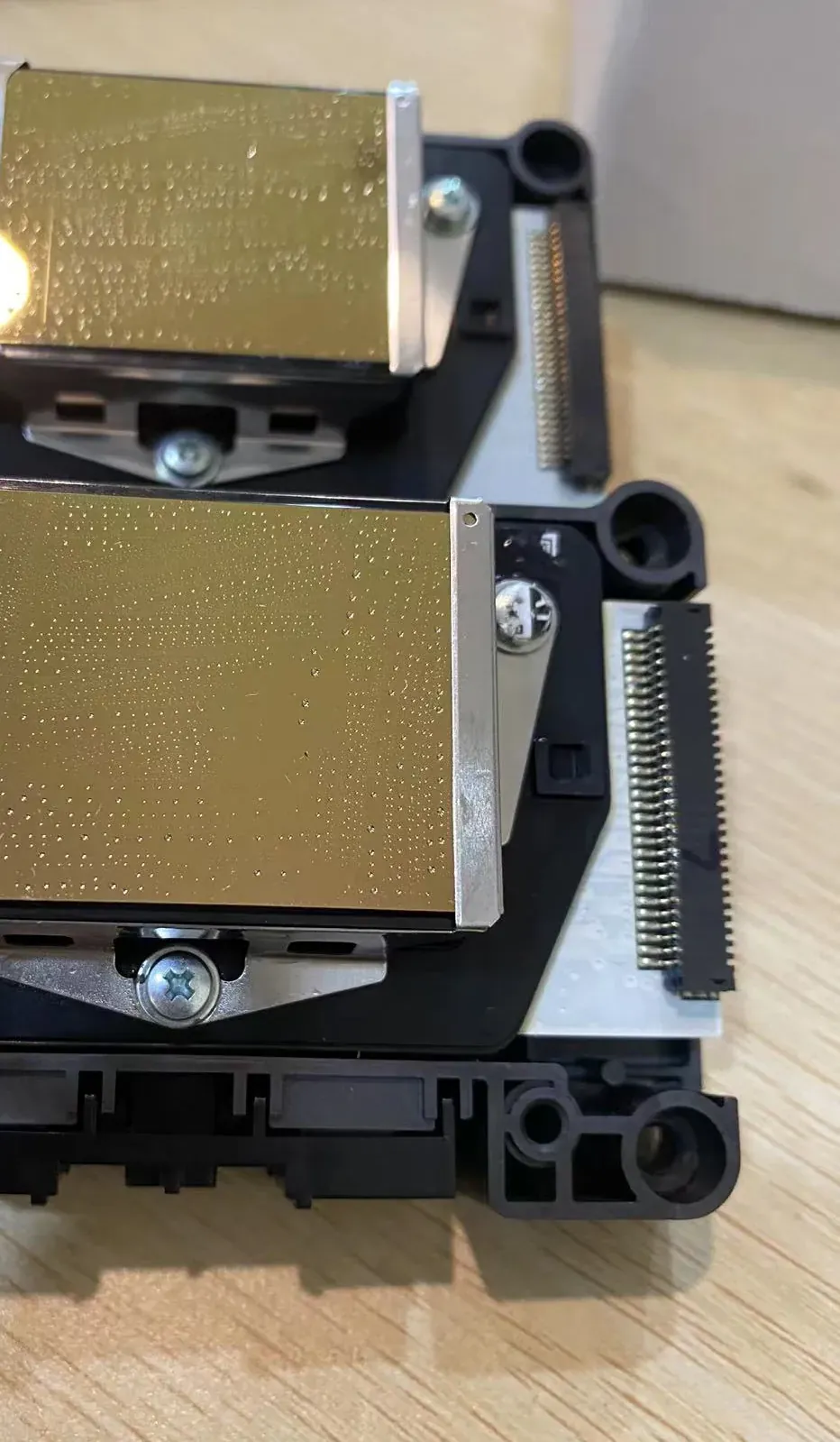
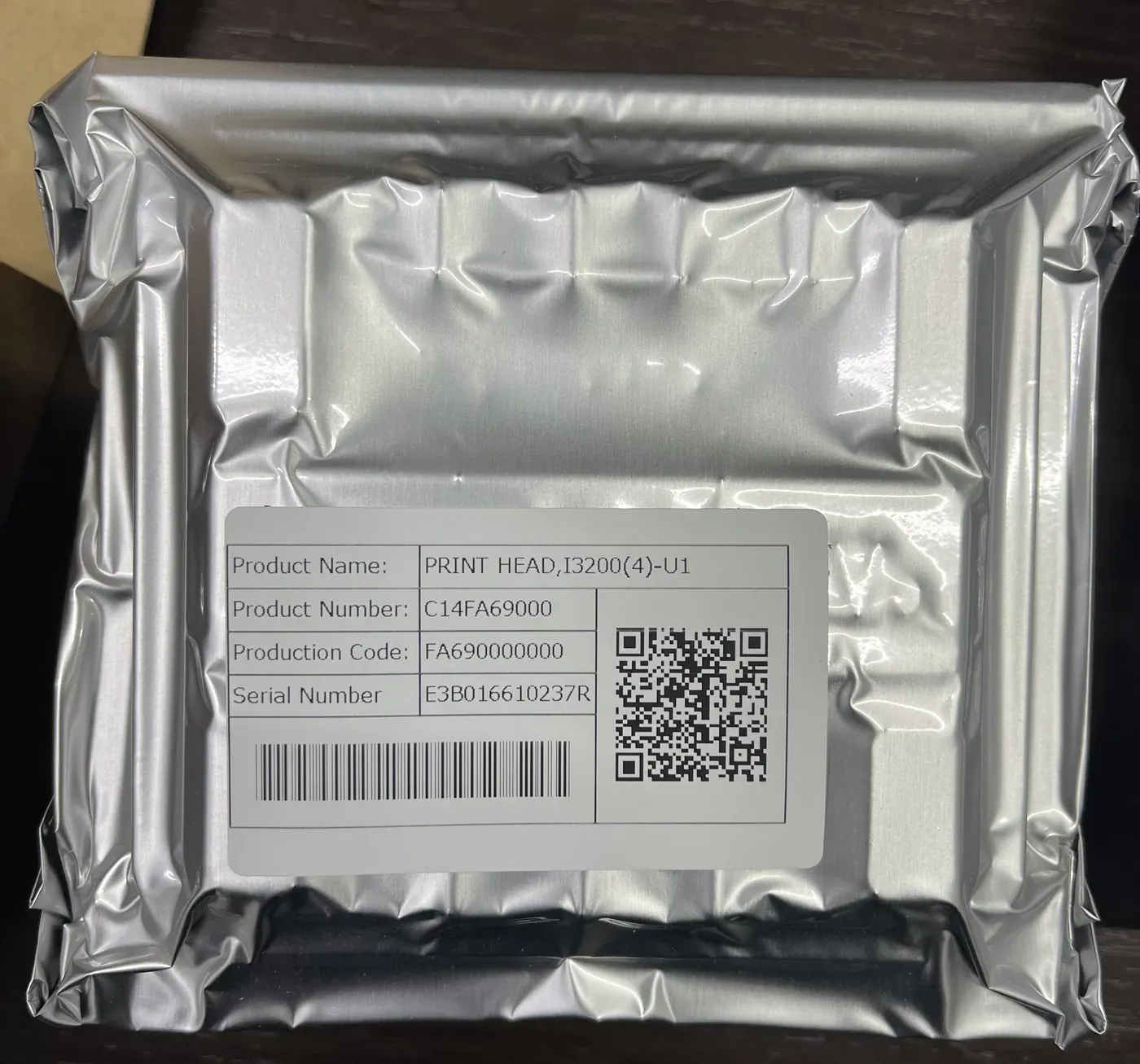
Parts sourcing is one of the seven stages MAXWAVE runs in-house, and the printheads are original Epson units. Your configuration names the printhead model, so you know exactly which head is in your machine.
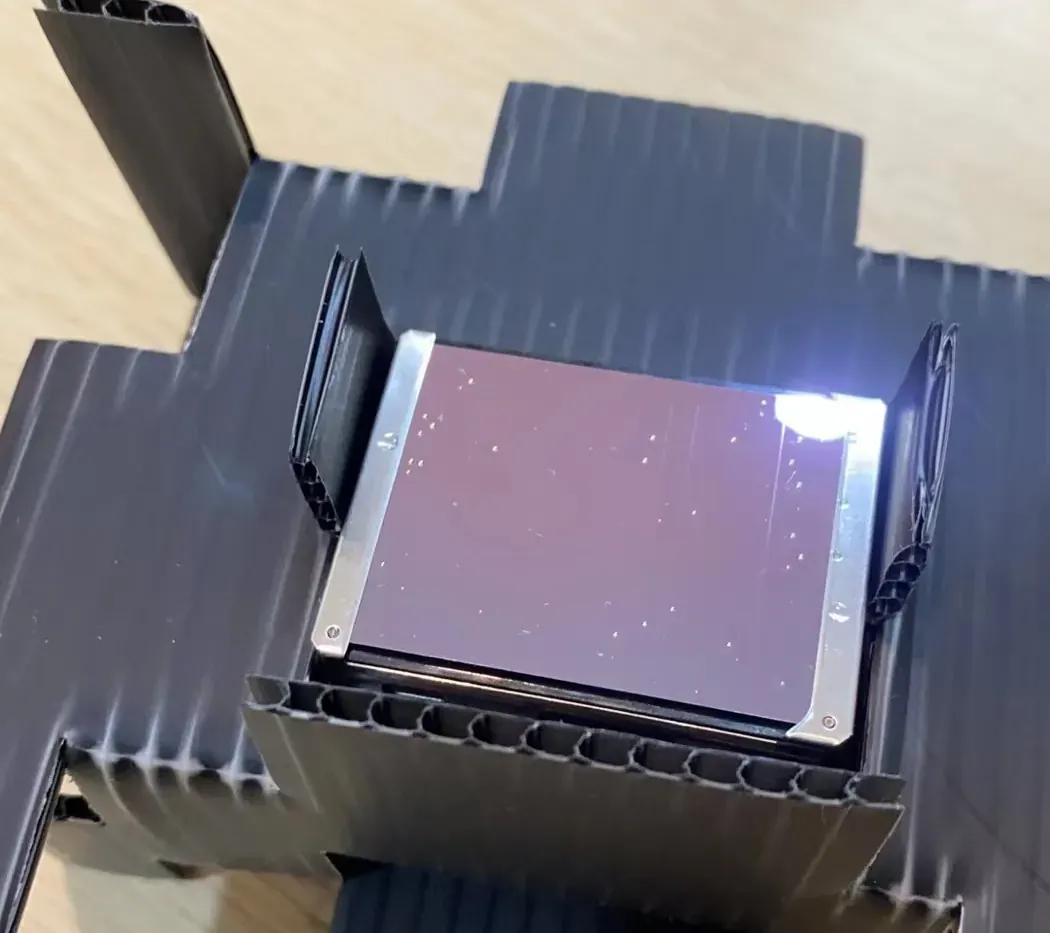
| Printhead | Nozzles | Offered on |
|---|---|---|
| Epson I1600 | 1600 | GP200, GP200B, UP200, UP200P |
| Epson DX7 | 1440 | GP200, GP200B, UP200 |
| Epson DX10 | 1080 | GP200, GP200B, UP200, UP200P |
| Epson I3200 | named in the configuration | GP200, GP200B, UP200P |
More nozzles print faster, are less prone to ink dropouts and last longer, at a higher price. The quotation states the head and the number fitted.
Why the head model is on the quotation
Two machines of the same series can carry different heads. Naming the model lets you compare quotations like for like, order the right spare, and tell a client exactly what printed their wall.
Incoming and Assembly Inspection
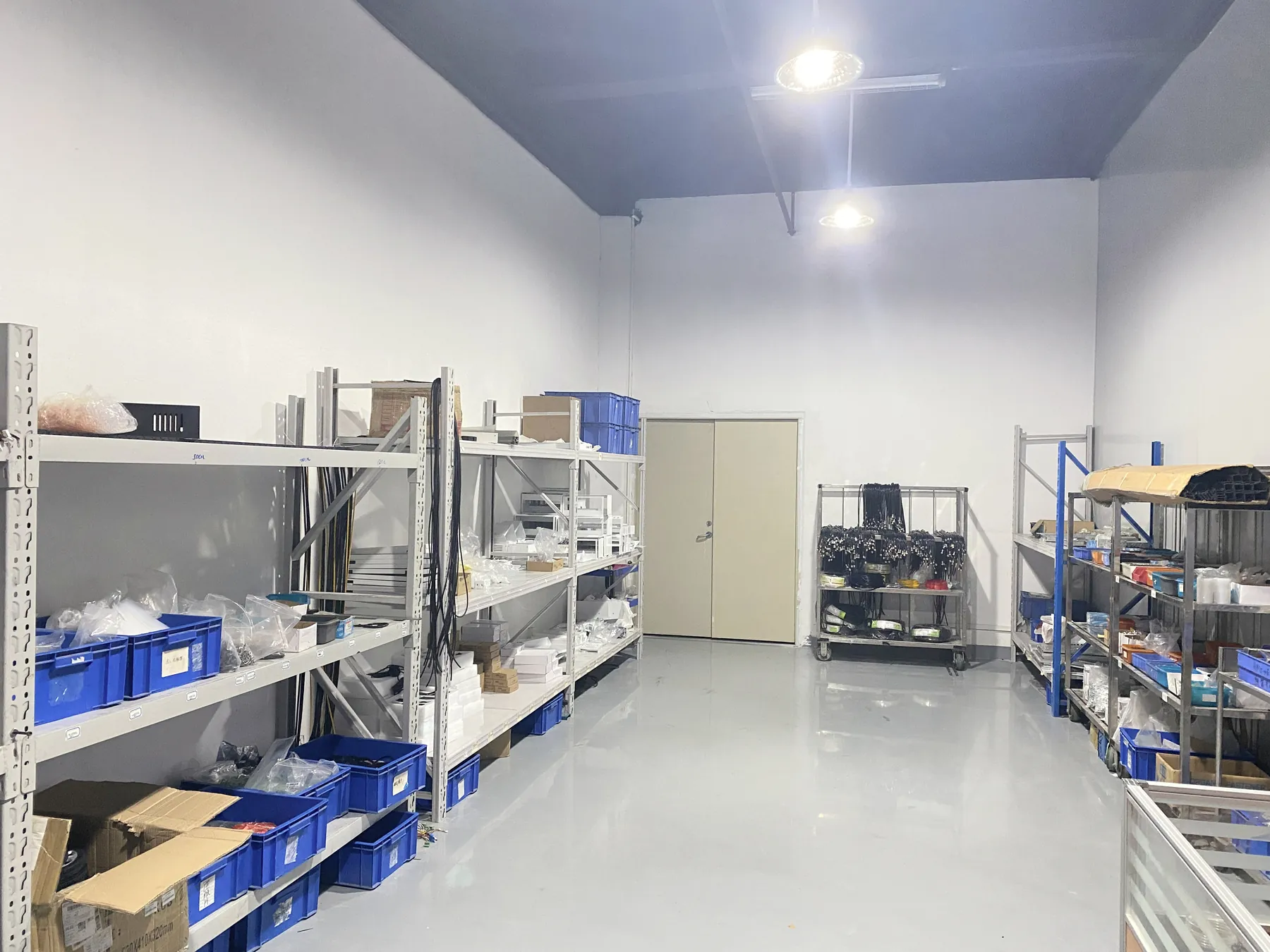
The parts that decide print quality are checked before they go into a machine.
On arrival
- Printheads
- Checked for stability
- Rails
- Checked for straightness and the quality of the paint finish
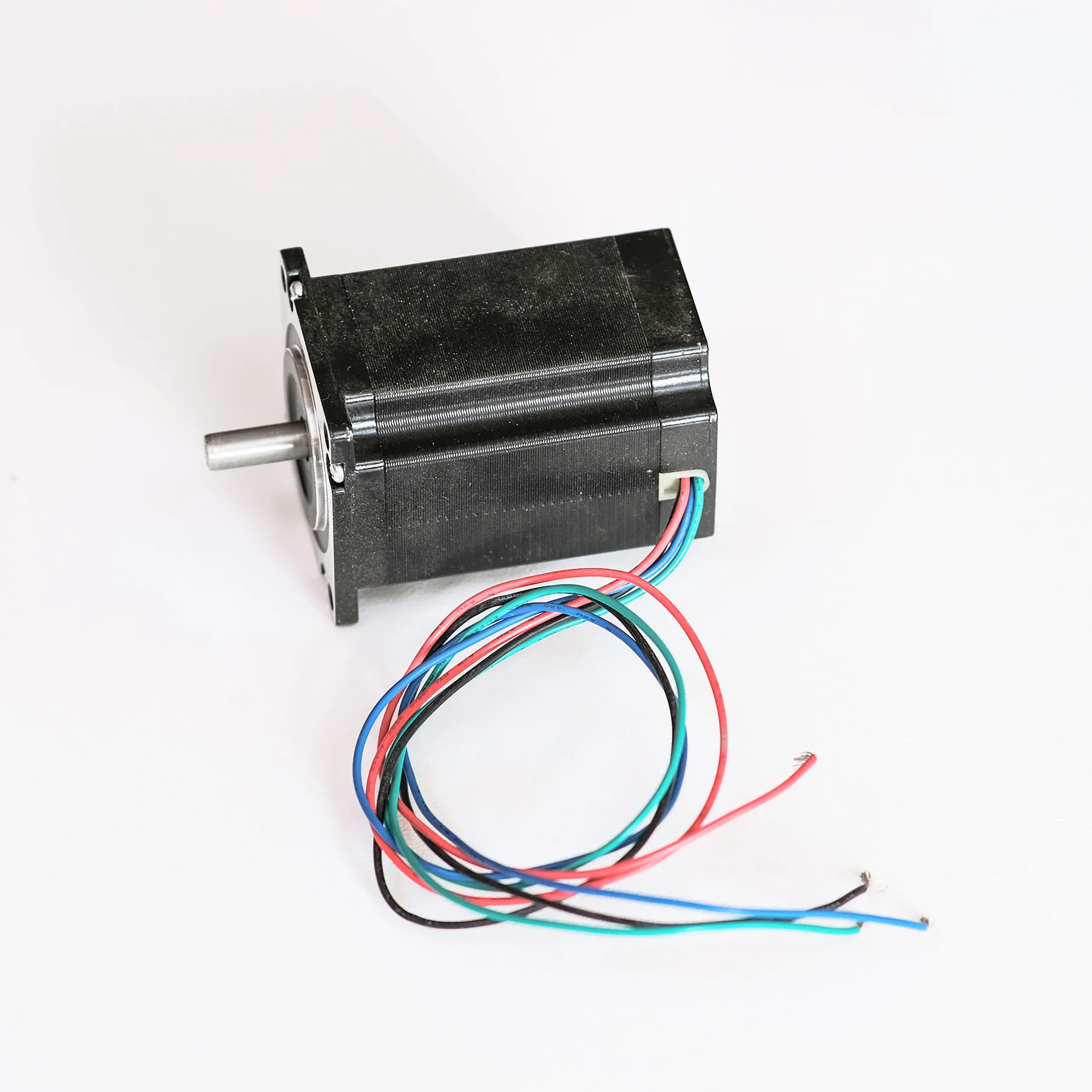
- Motors
- Checked for current, temperature rise and noise
On the assembly line
- Frame
- Checked for parallelism
- Screws
- Checked for torque
- Head bracket
- Checked for position
Bracket position and frame parallelism hold the head square to the wall; the motor checks cover the parts that drive the head across every pass. The line where these parts are fitted is shown on Wall Printer Factory.
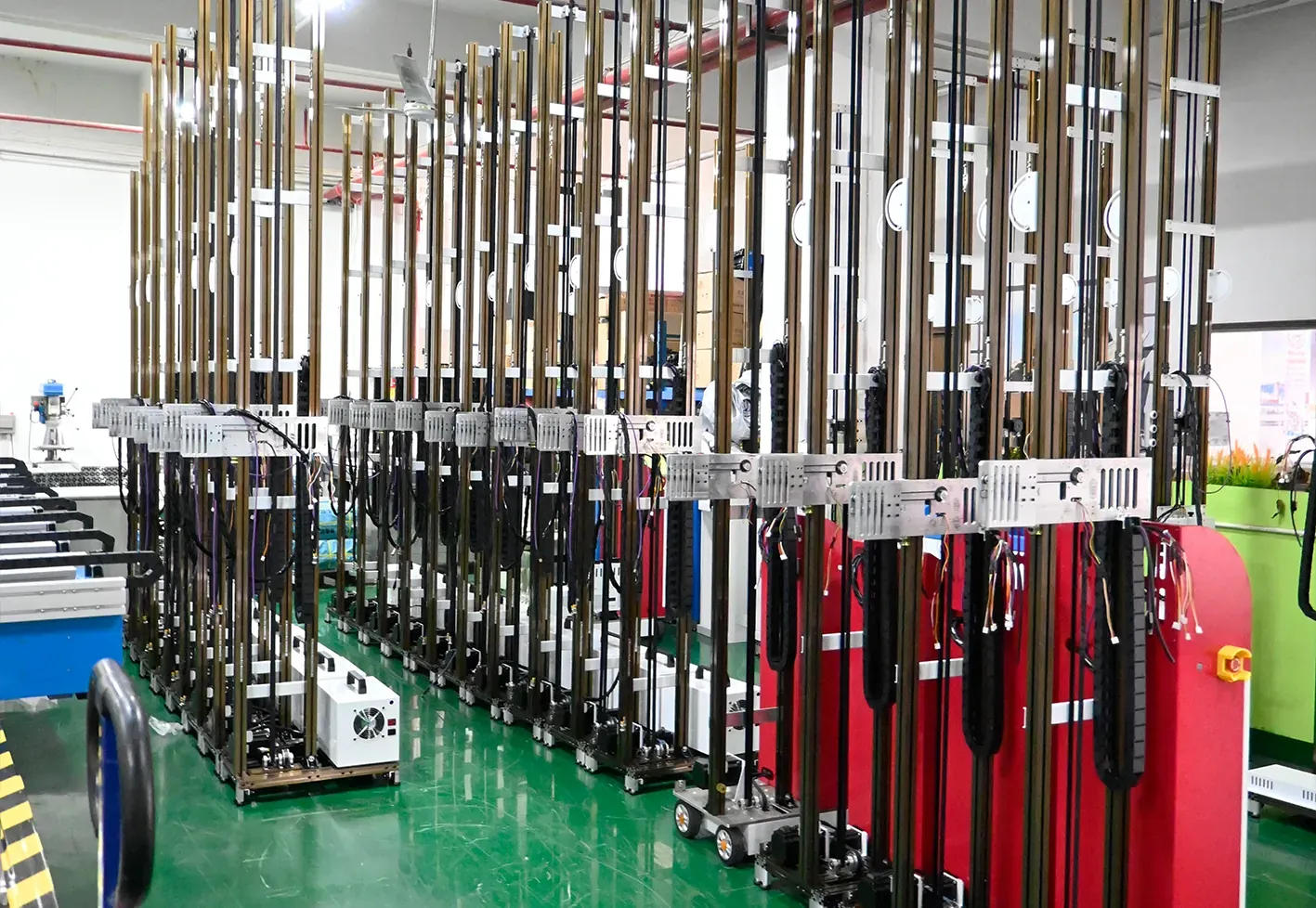
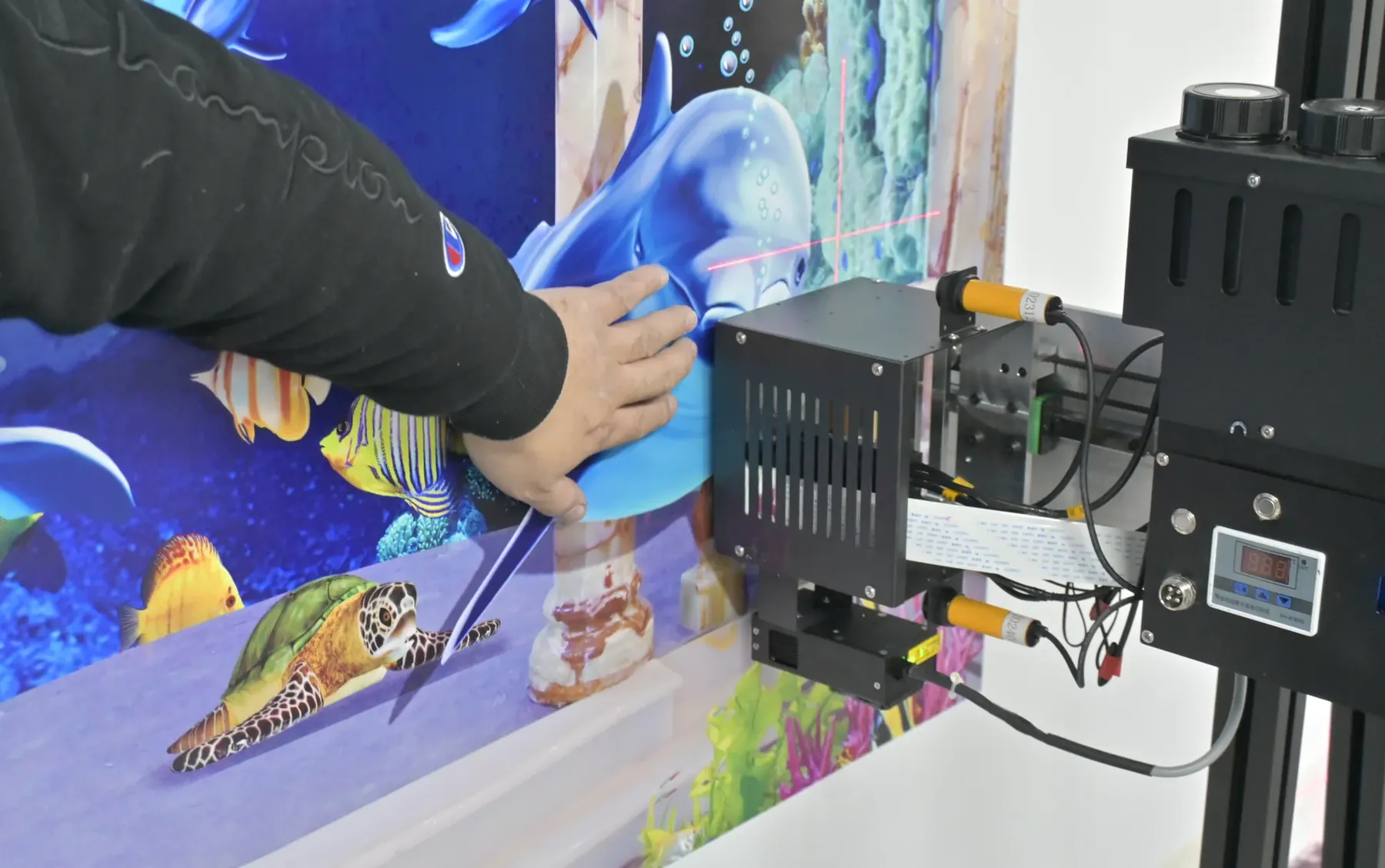
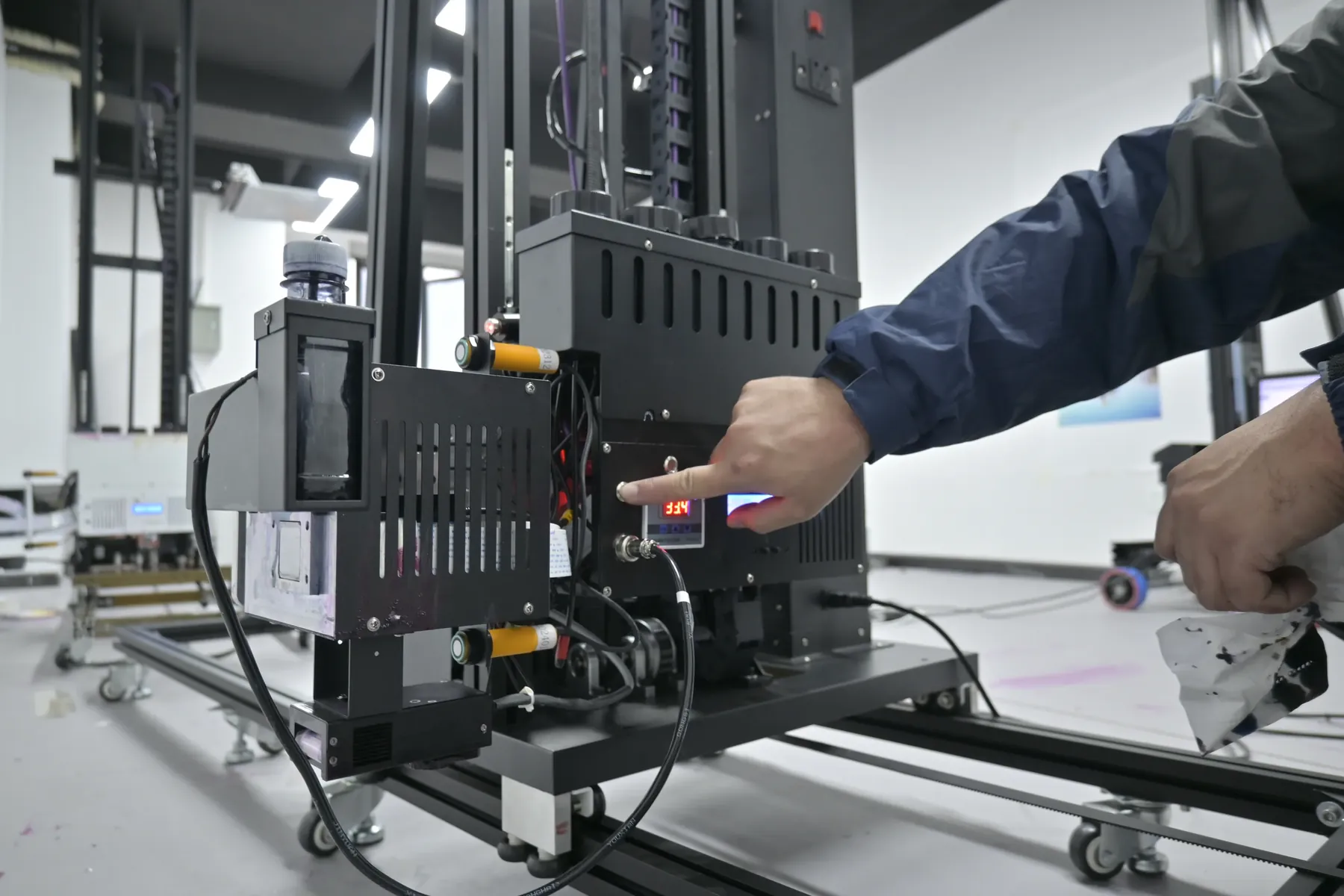
Whole-Machine Testing Before Shipping
Each finished machine is tested as a whole before it is packed. The software is installed and every machine is test-printed.
- Print accuracyChecked on a test print from the finished machine.
- Continuous printingThe machine runs a long print without a stop.
- High and low temperaturesOperation checked at both ends of the range.
- Transport simulationRun before the machine is crated.
At the end of the line the finished machines stand in a row and are checked one by one. A machine leaves the factory with its software set up and its print accuracy tested, so your first days go into assembly, the remote installation check and operator training before the first client wall.
Protective Packing and International Shipping
Protective packing and international logistics are the last two of the seven stages, and the manufacturer runs both. The transport simulation in the test serves the same goal: the machine arrives in the condition it left the line.
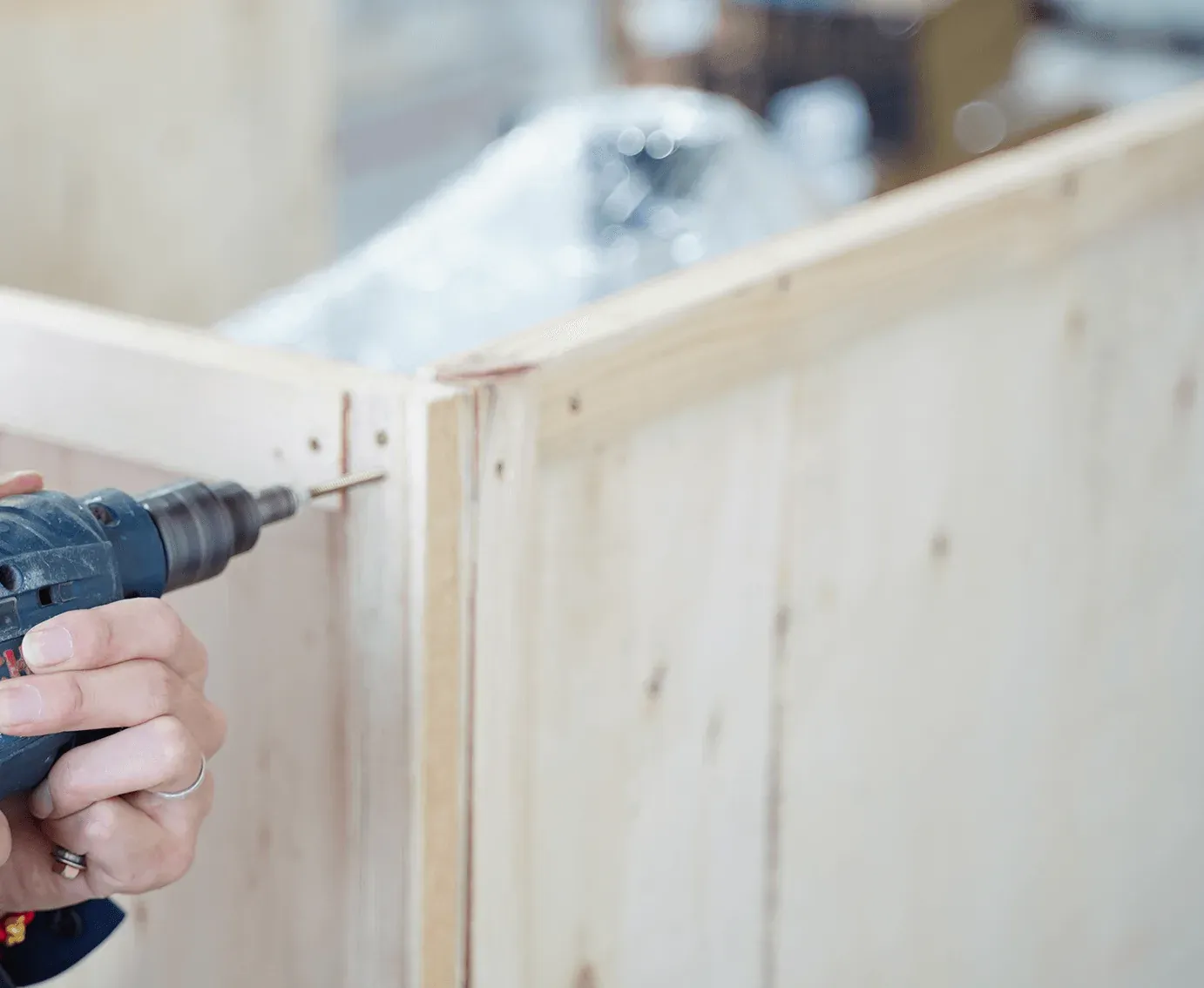
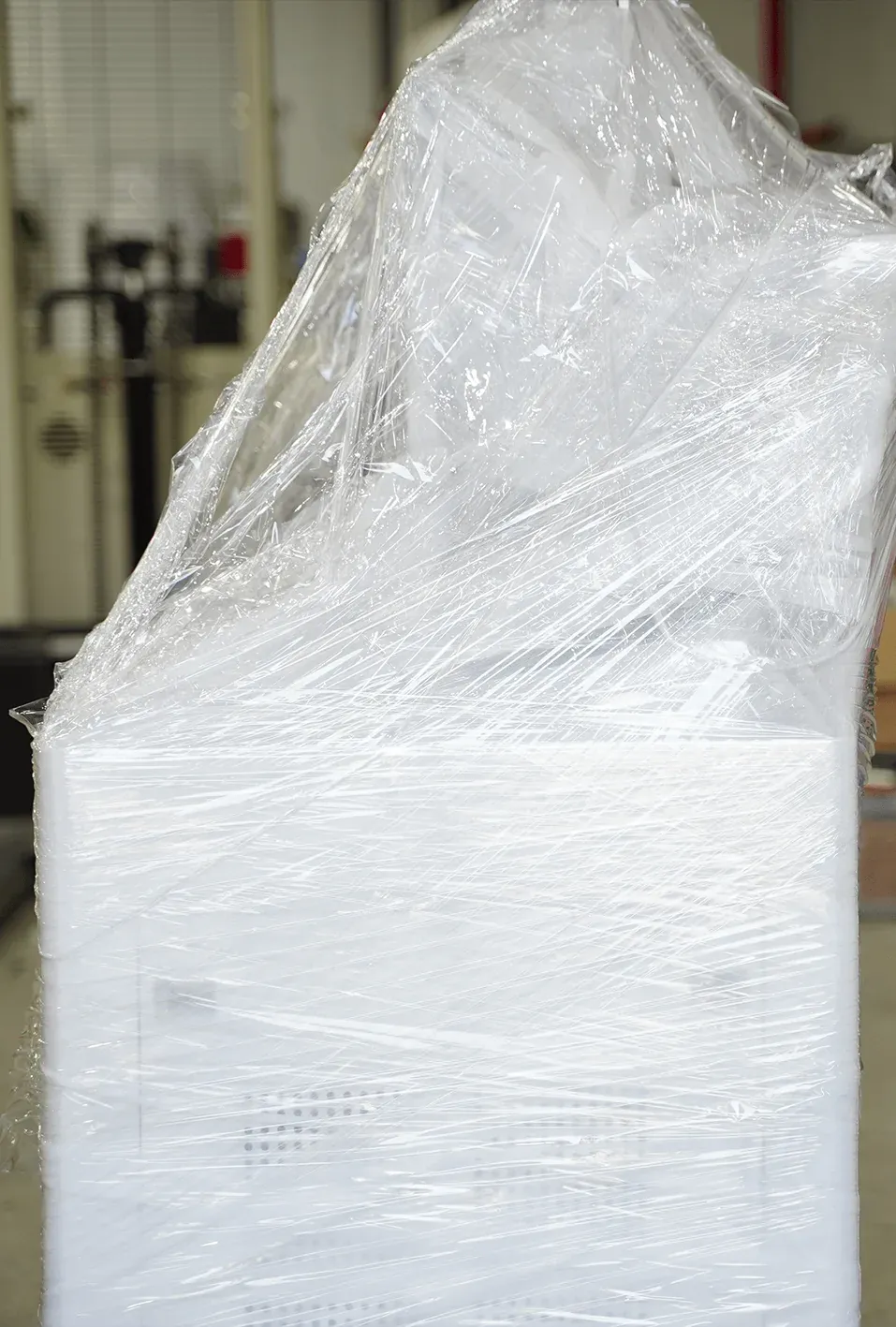 WrapWrapped in film on a wooden base
 CrateClosed in a wooden crate
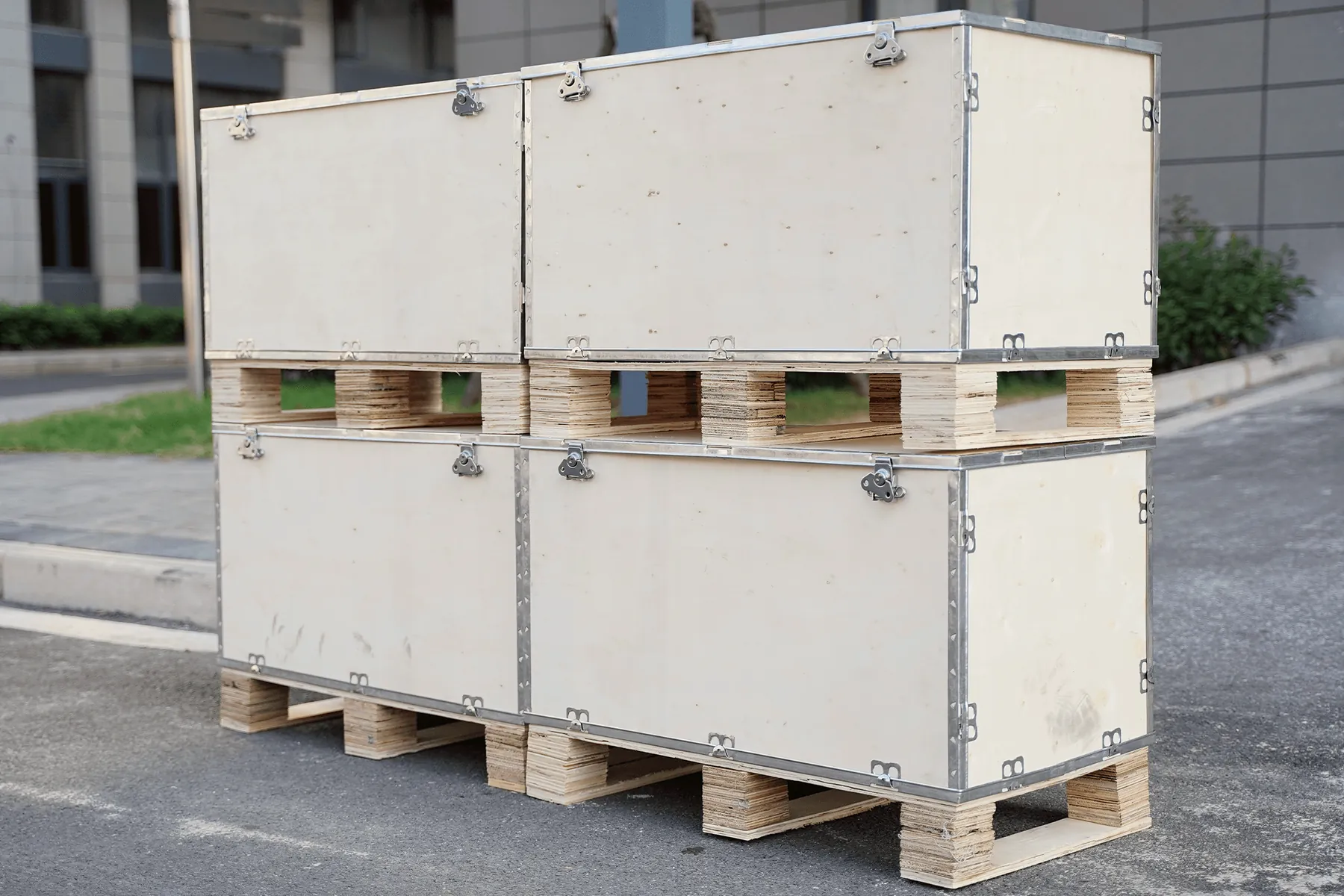 PalletPlaced on a pallet
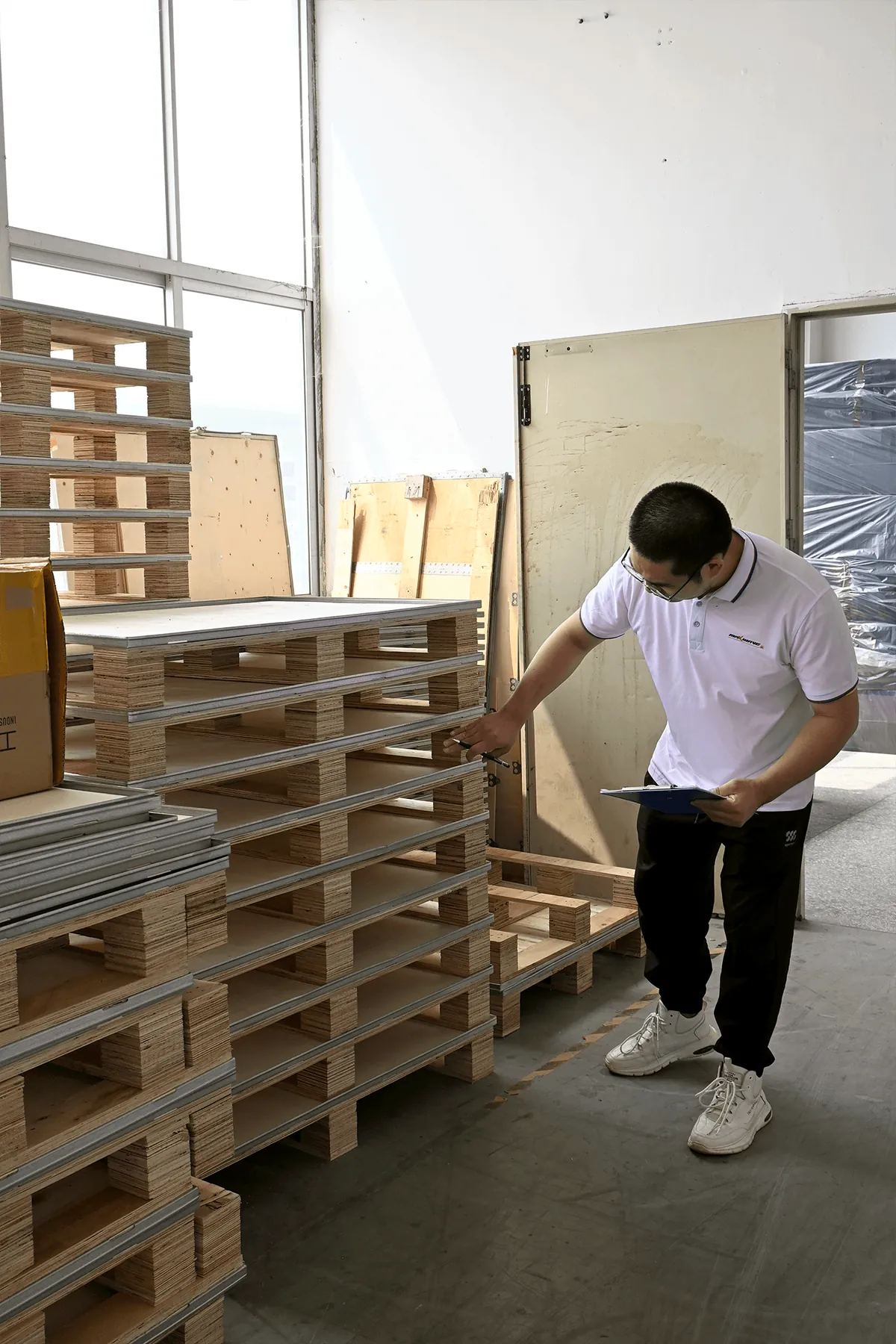 LoadChecked and loaded by forklift
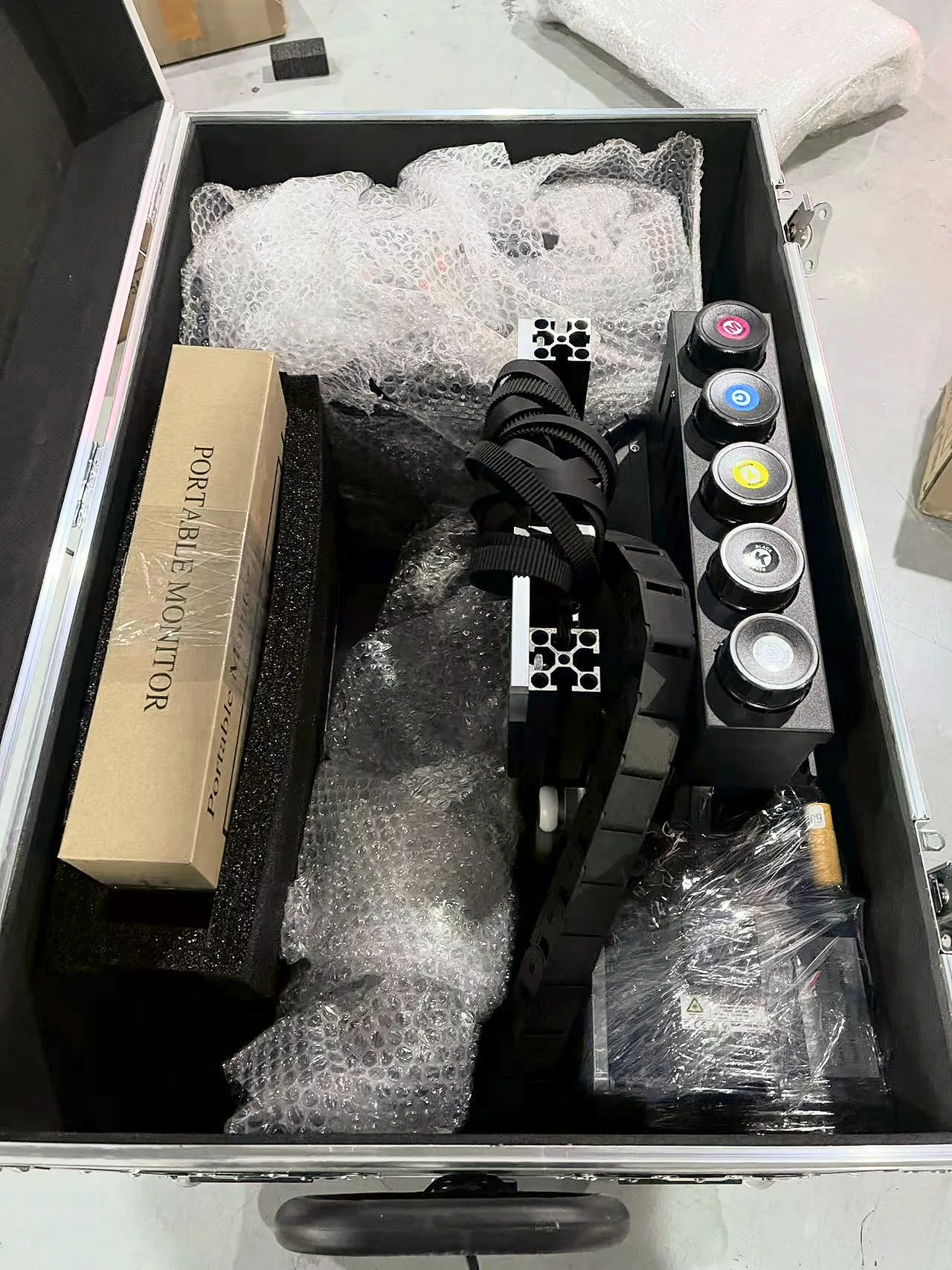
Packing follows the machine
- The GP200 splits into 7 small packages.
- The UP200P packs into a flight case with a trolley handle.
- An illustrated installation manual comes with every machine, so your own operator unpacks and assembles it.
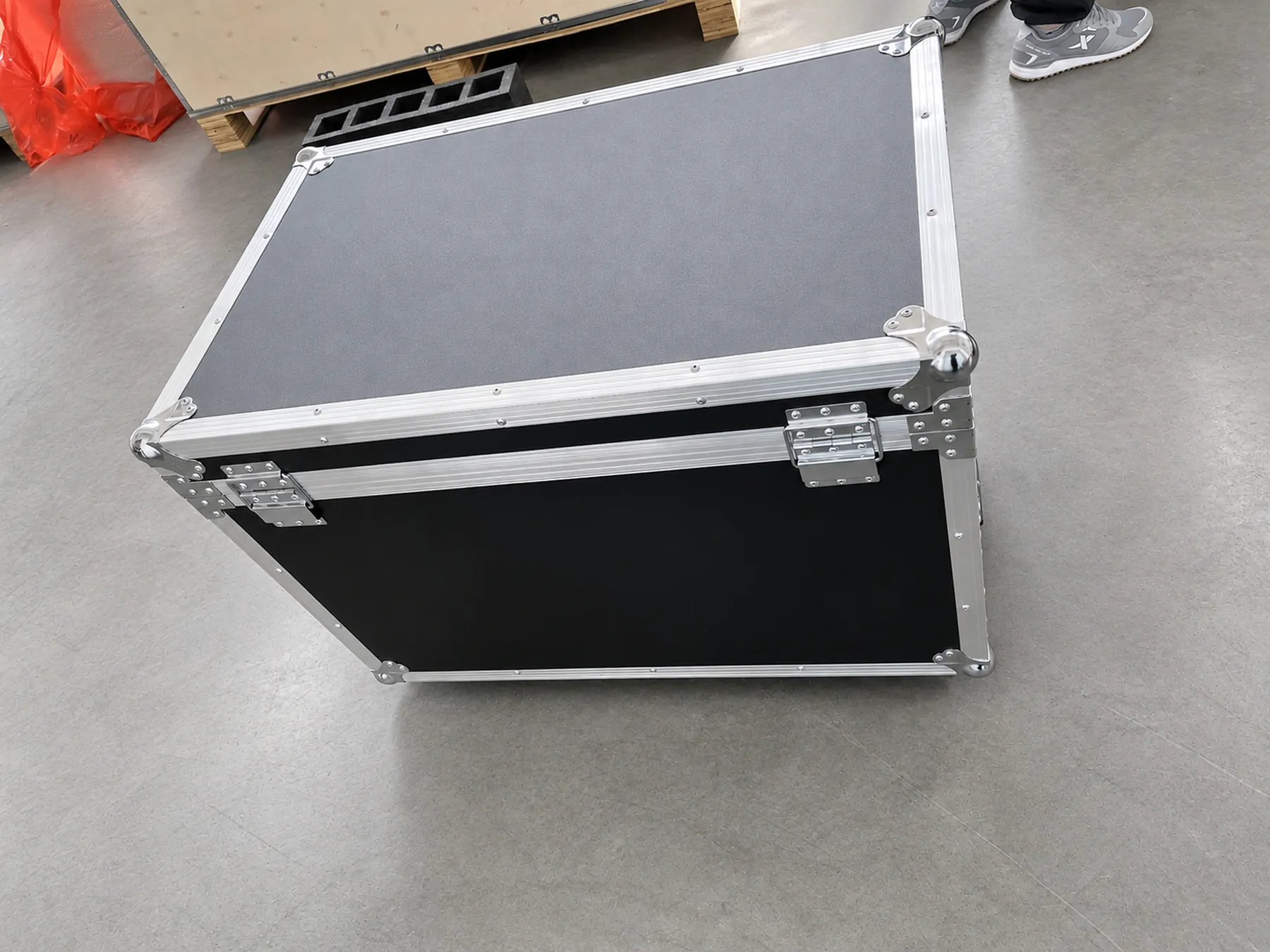
Each crate is screwed shut at the factory and opened for the first time at your premises.
Wall Printer Manufacturer Certificates, Test Report and Patent
Each document below matches the original shown under the table, in the same order. Select a thumbnail to open the full page.
| Document | Number | Issued by | What it covers |
|---|---|---|---|
| CE, EMC Directive (2014/30/EU) | HT22DC-0511882 | Honton, 2021-11-19 | Electromagnetic compatibility |
| CE, Machinery Directive (2006/42/EC) | B-S210637248 | Beide, 2021-06-25 | Machinery safety |
| Machinery Directive attestation | M.2023.206.C83822 | UDEM | Valid 2023-04-10 to 2028-04-09 |
| SGS ink test | GZHL2303007145OT | SGS | Black UV ink; EU RoHS restricted substances not detected |
| Design patent | ZL 2024 3 0255771.X | China | External design of the GP200B wall printer |
| Trademark | No. 66902017 | China | The MAXWAVE mark |
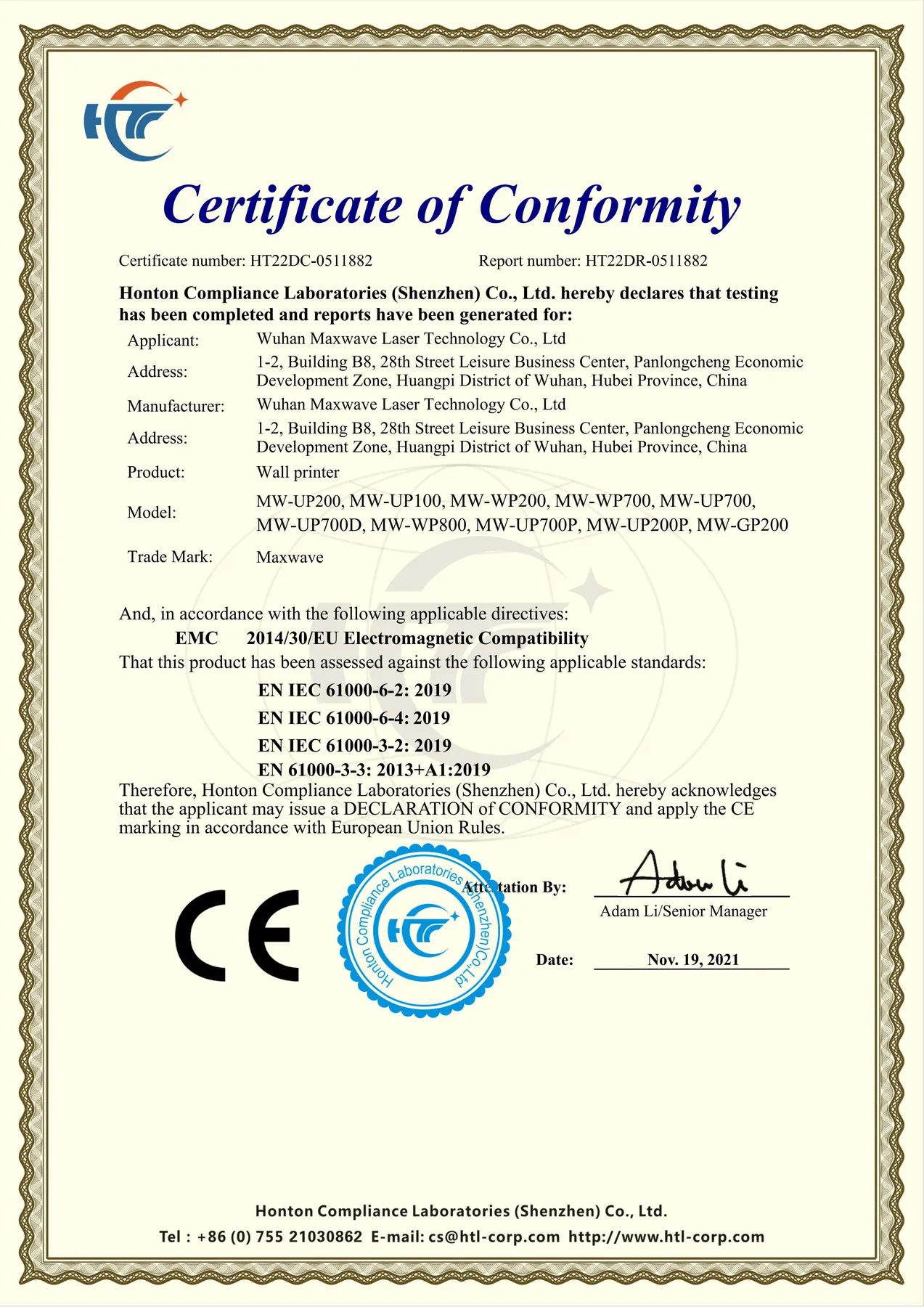 HT22DC-0511882CE · EMC
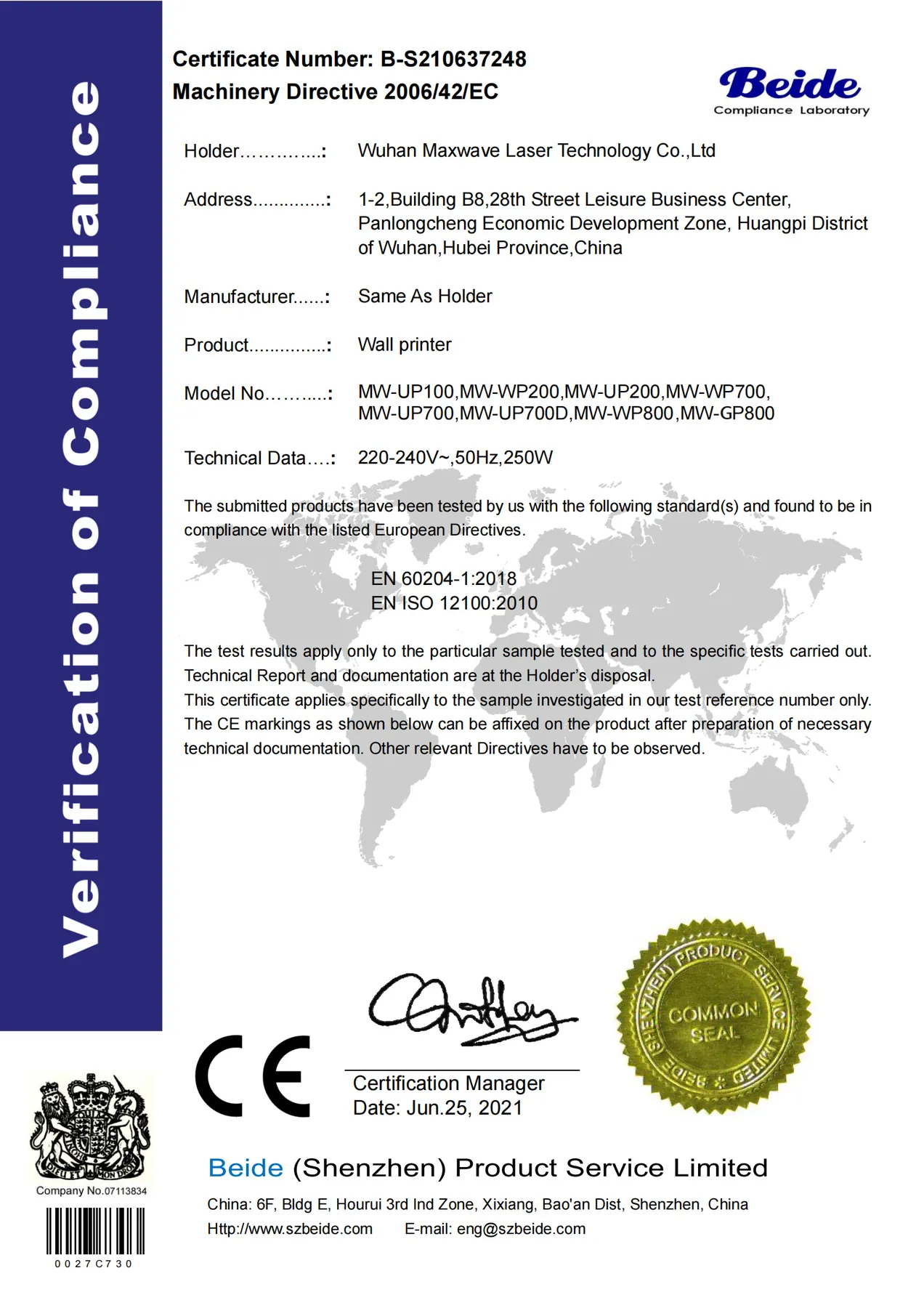 B-S210637248CE · Machinery
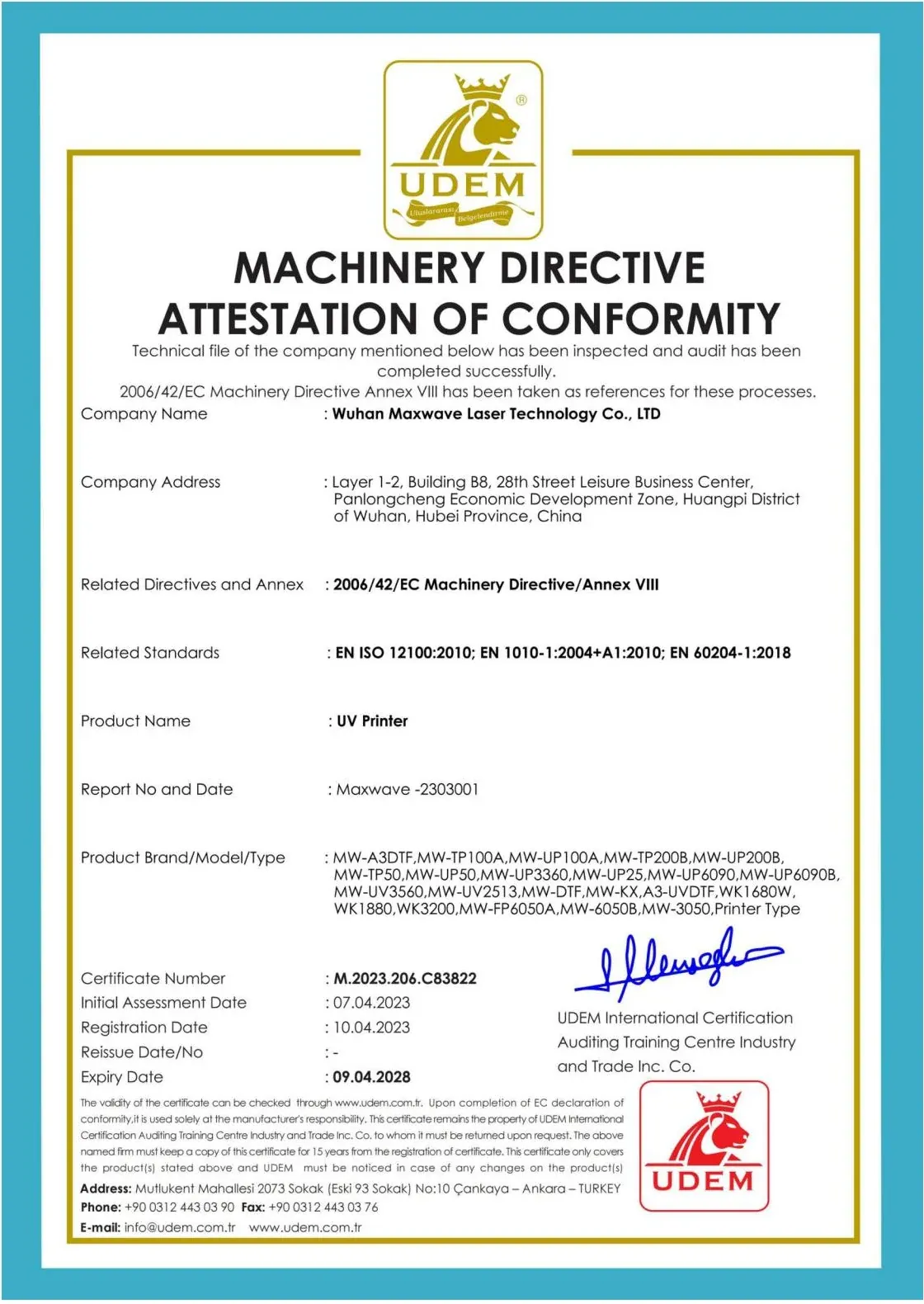 M.2023.206.C83822UDEM attestation
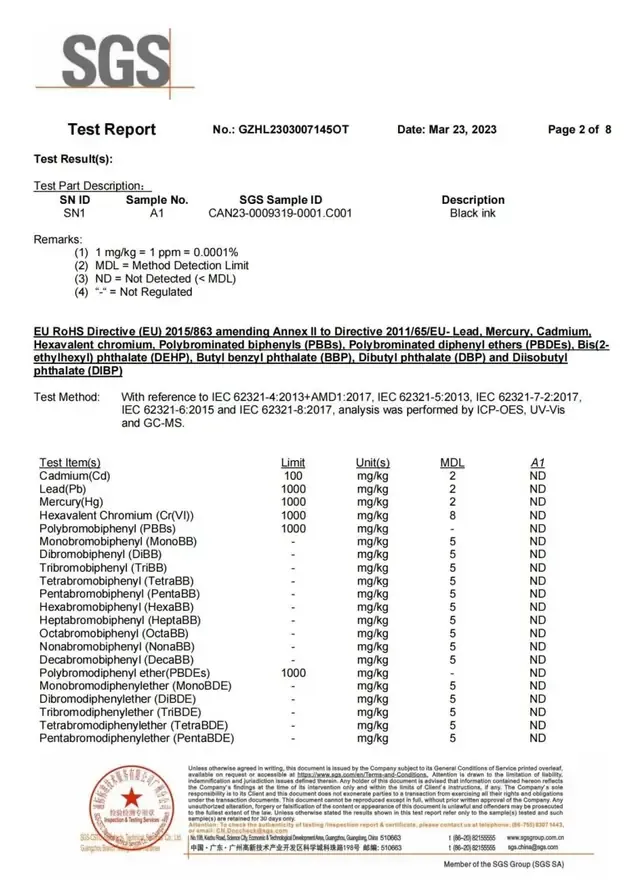 GZHL2303007145OTSGS ink test
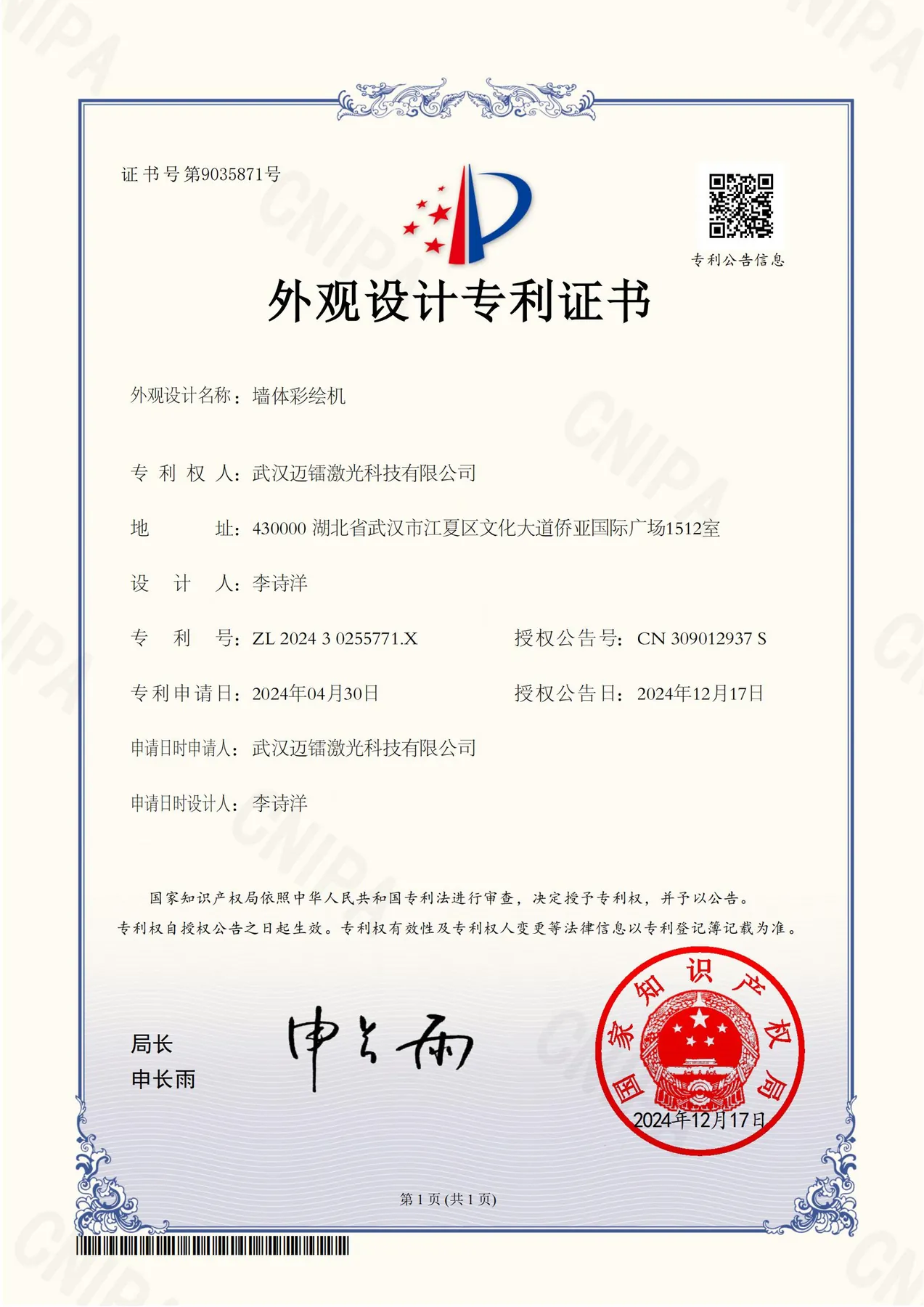 ZL 2024 3 0255771.XDesign patent
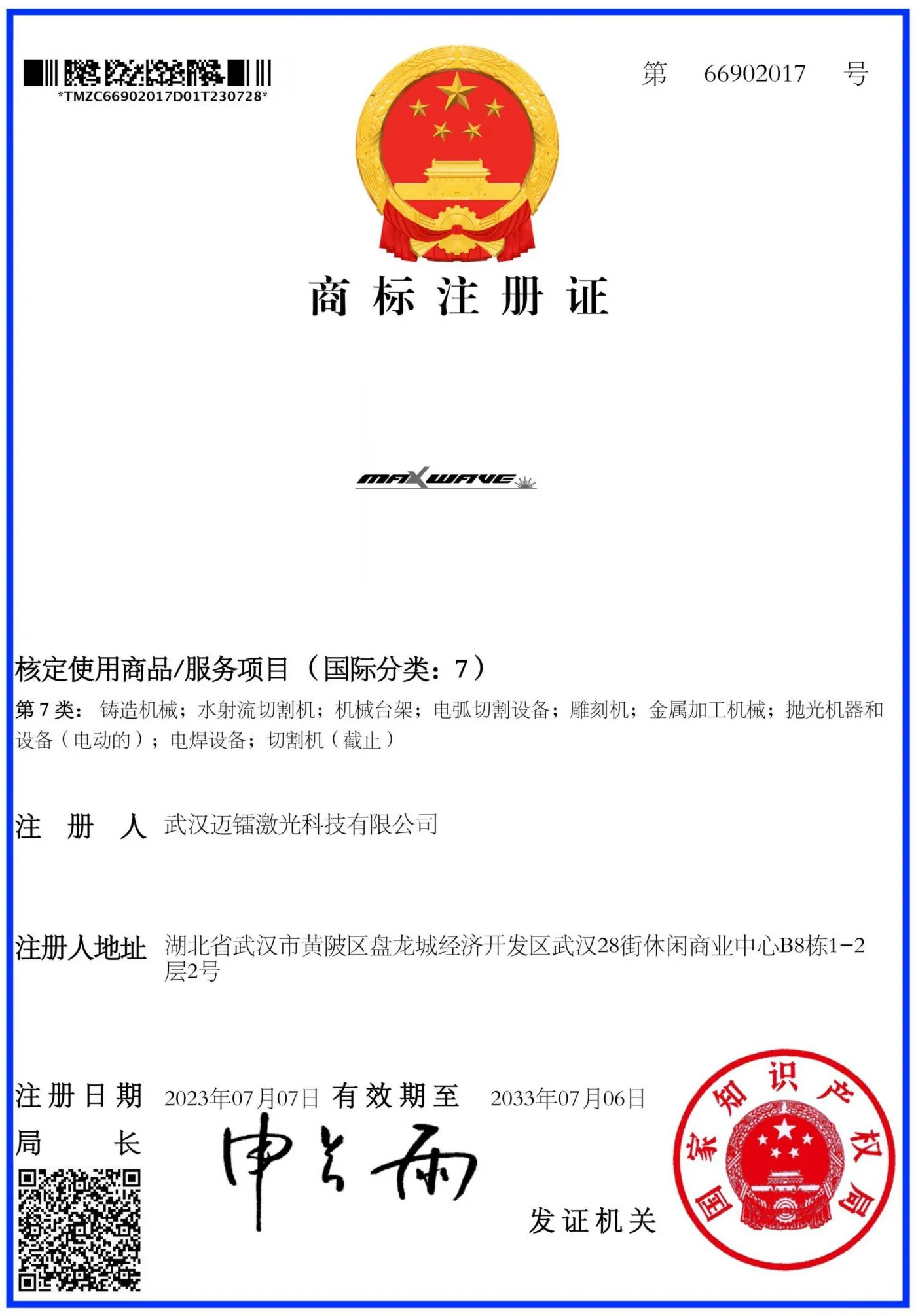 No. 66902017Trademark
The CE certificates are issued to the manufacturer, Wuhan Maxwave Laser Technology Co., Ltd, and cover each model by model code.
The certificate set for your configuration comes with the quotation, so you can check it against the machine you are ordering before you place the order. The Epson UV ink MSDS is available alongside the SGS report.
Two-Year Warranty and Case Handling
Every warranty case goes to WallPrintScale, the company that quoted the machine, and WallPrintScale handles it with the MAXWAVE factory team. You do not have to find the right department at the factory yourself.
- Covered
- The whole machine, for 2 years
- Not covered
- Ink and printhead connectors
- Report within
- 31 days of finding the defect
- Handled by
- WallPrintScale, with the MAXWAVE factory team that built the machine
For a business with client jobs booked, this keeps the warranty route short: one contact, with the factory team that built the machine behind it.
Engineering Team
The engineering team works with your operators from the day the machine is assembled. These are the engineers who review installation videos and guide operator training online.

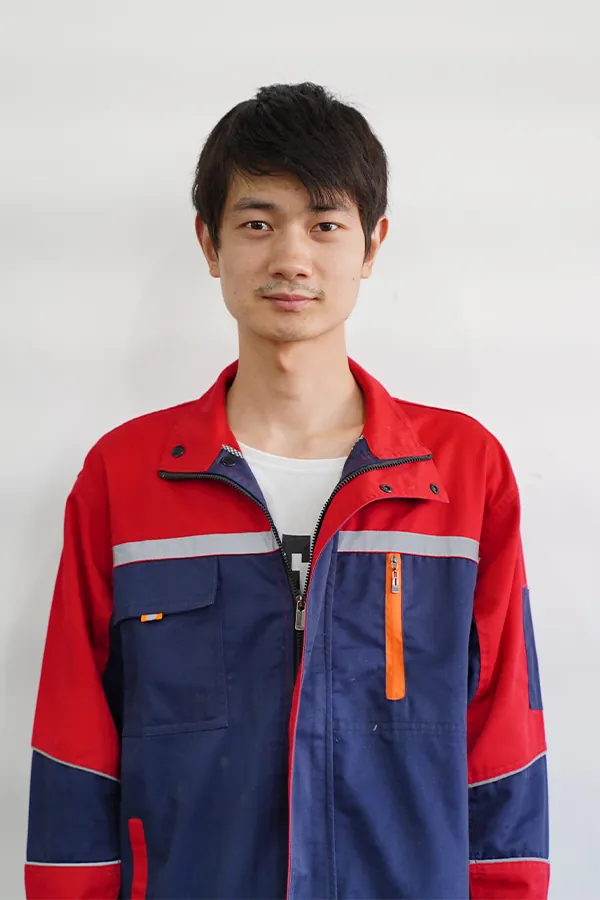
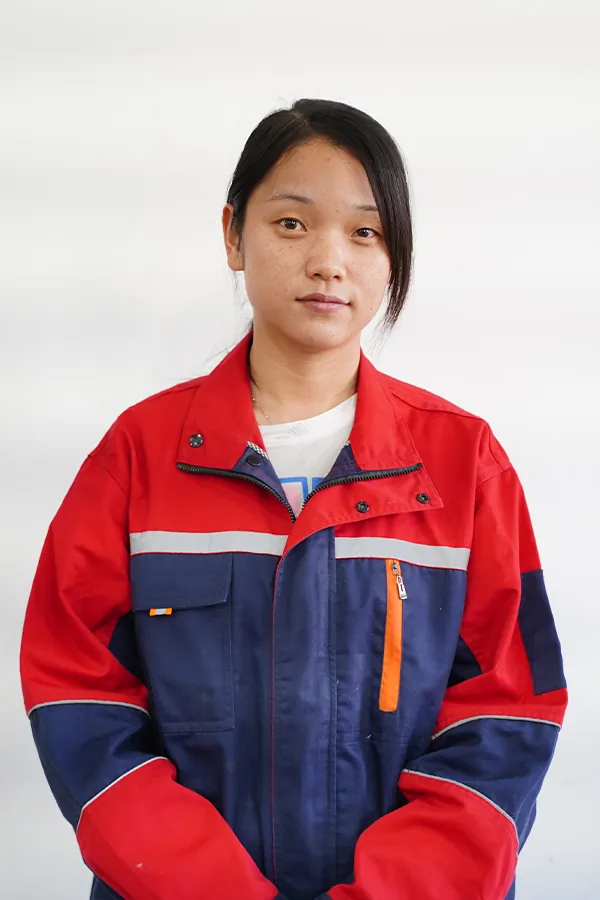
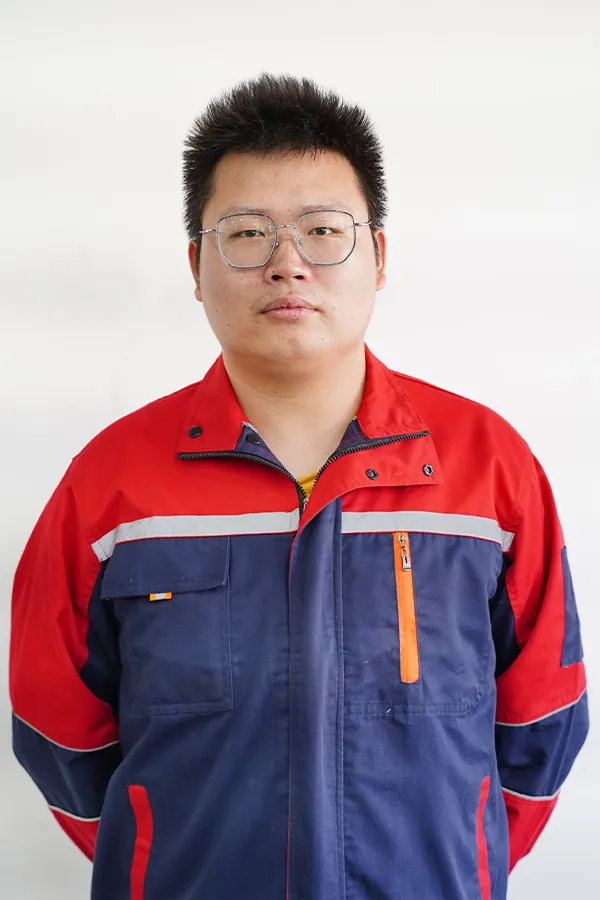
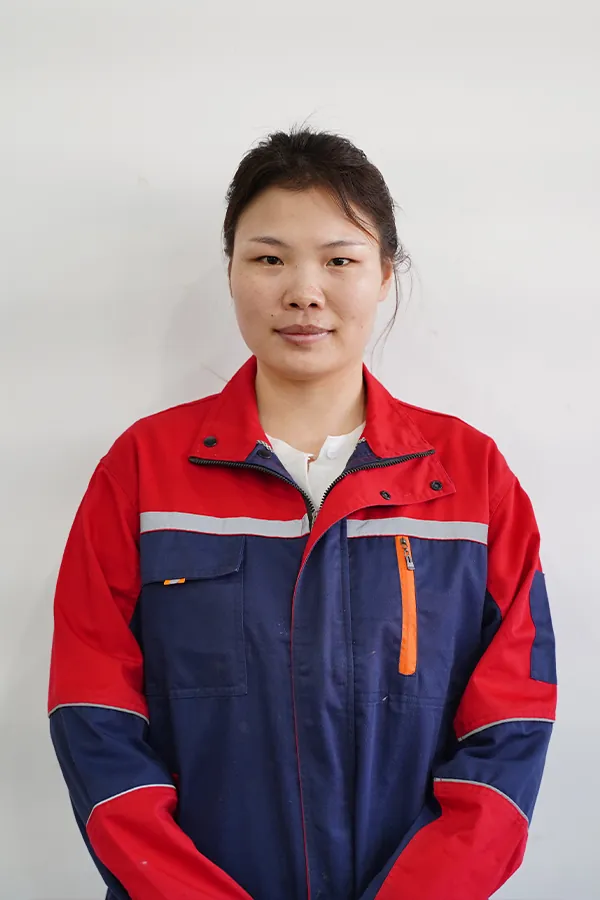
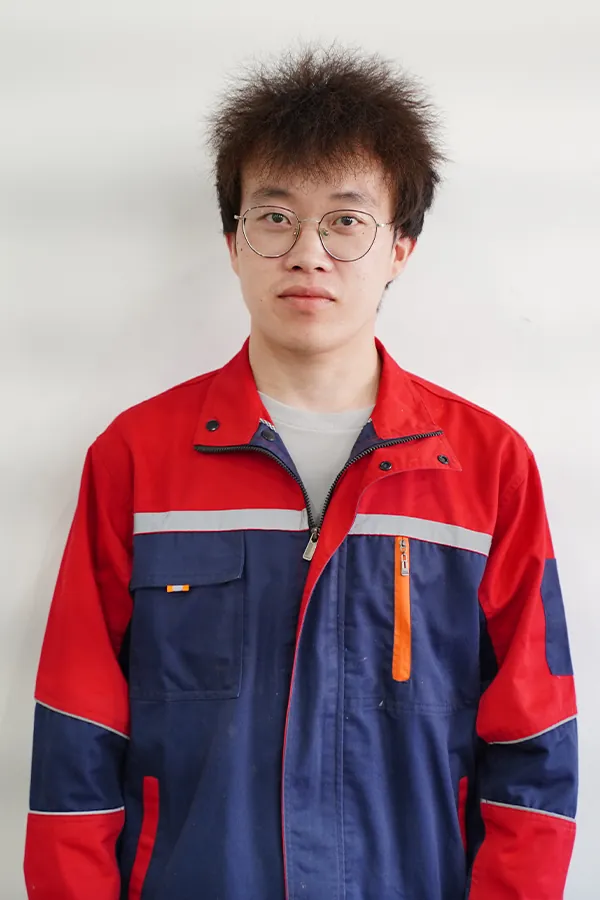
What the engineers do for your crew
- Check the assembled machine from your video before the first job.
- Guide your operators online through their first prints.
- Answer maintenance and part-replacement questions with step-by-step videos.
Remote Installation Check, Training and Maintenance Videos
Support is remote, and it starts with installation. Each step uses the illustrated manual and video, so your own operator does the hands-on work with an engineer watching.
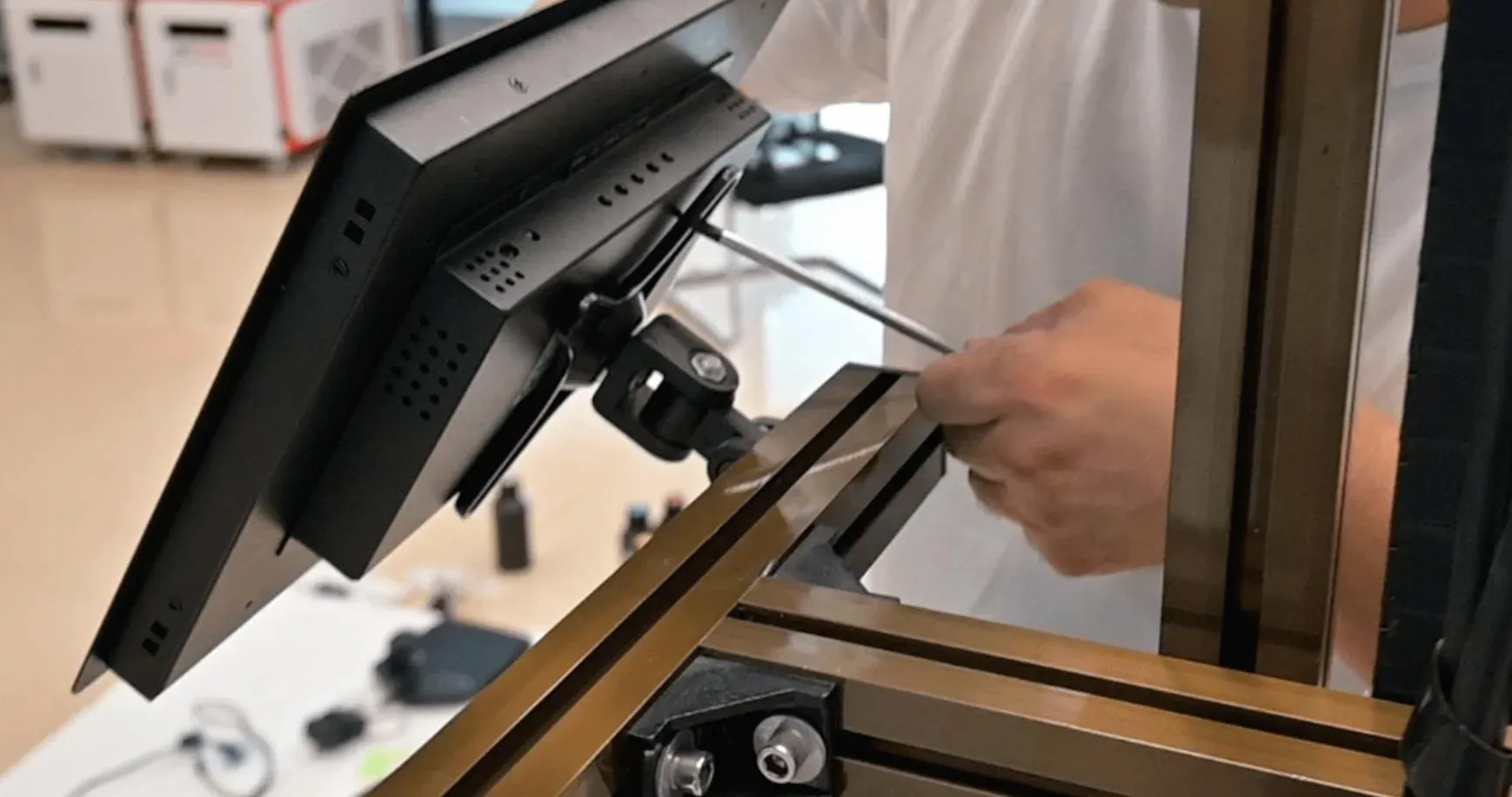
Installation check
Assemble the machine with the illustrated manual, send a video of the installed machine, and the engineers check it remotely before the first job.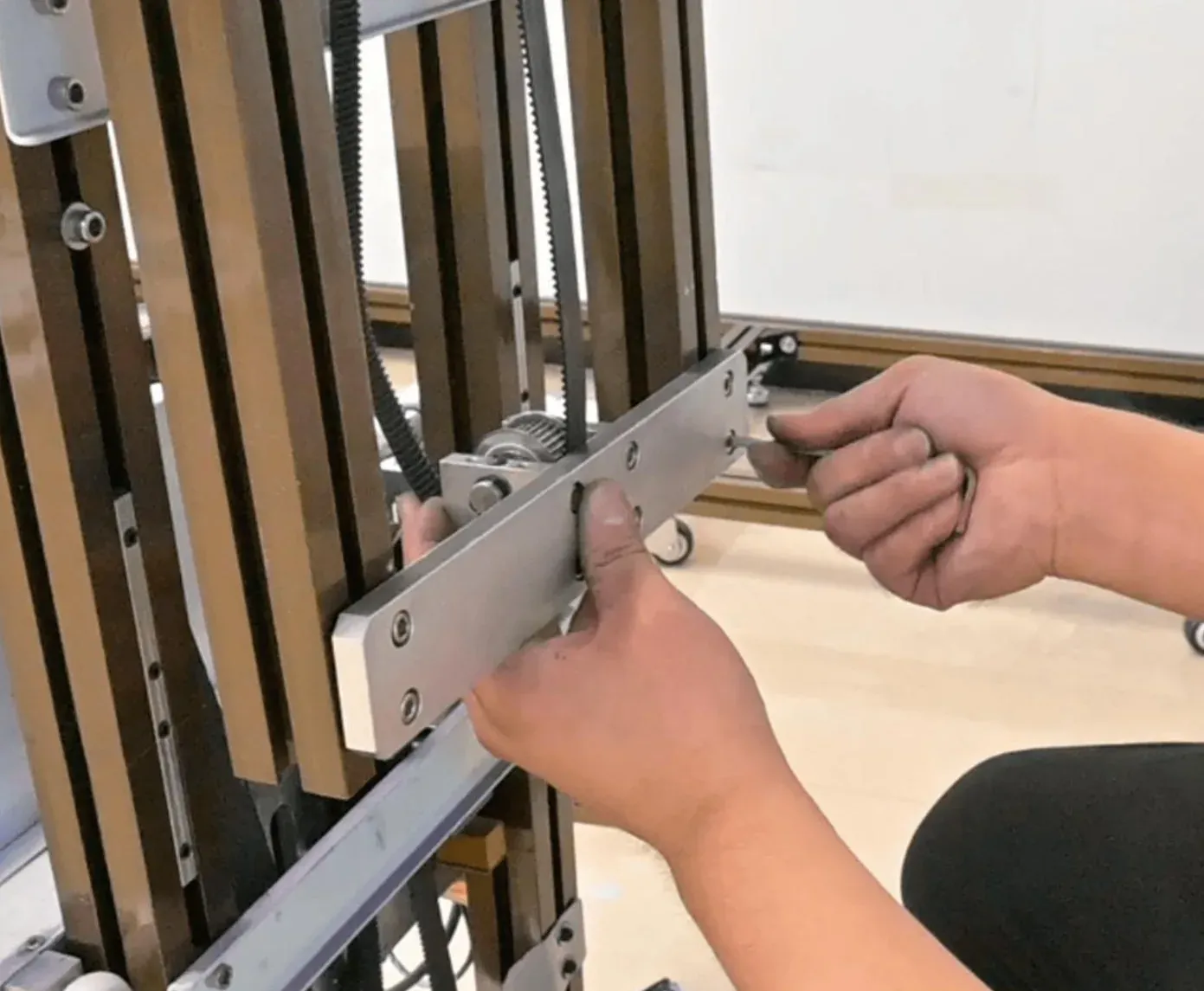
Operator training
Remote training, with an engineer guiding your team online through the first prints.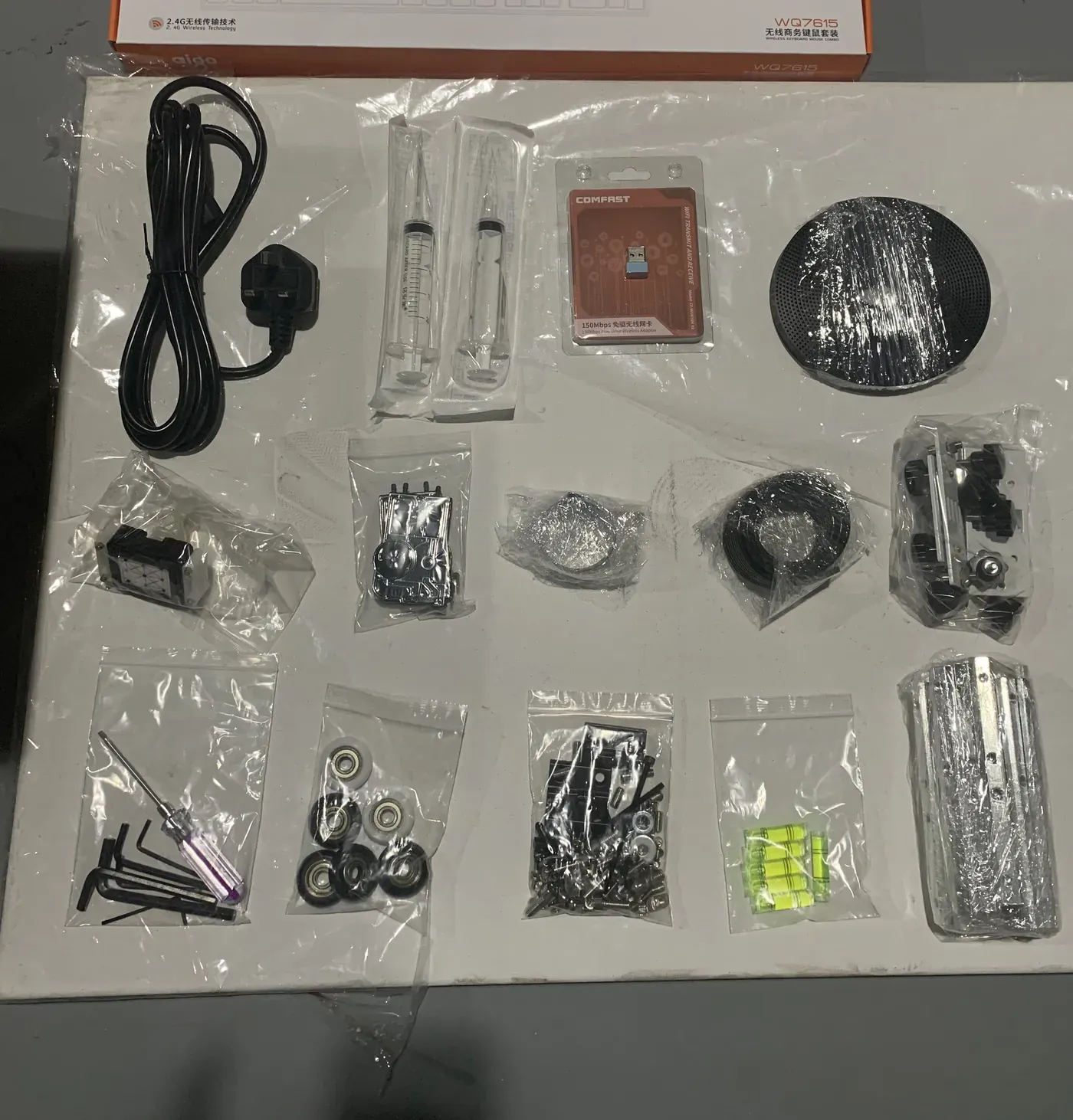
Maintenance and parts
Maintenance and part-replacement videos show each routine task step by step, so your operator handles it.
Maintenance routines and support details are on Wall Printer Maintenance.
Your Contact at WallPrintScale
You deal with one team at WallPrintScale from the first message onwards. The same contact handles:
- Configuration and quotation
- The certificate set for your machine
- Sample prints on a specific surface, on request
- Training arrangements
- Warranty cases
- Questions after delivery
What to send first
- Your business type and the surfaces you print on
- Your usual wall heights and widths
- Whether you need floor printing or white ink
Or use the contact form. Printed examples by surface and project type are on Wall Printer Applications.
Ways to Work With WallPrintScale
Three routes, one manufacturer behind each. Pick the one that matches how your business sells.
Direct purchase
Businesses that print walls themselves buy a configured machine for their own crew.Compare configurations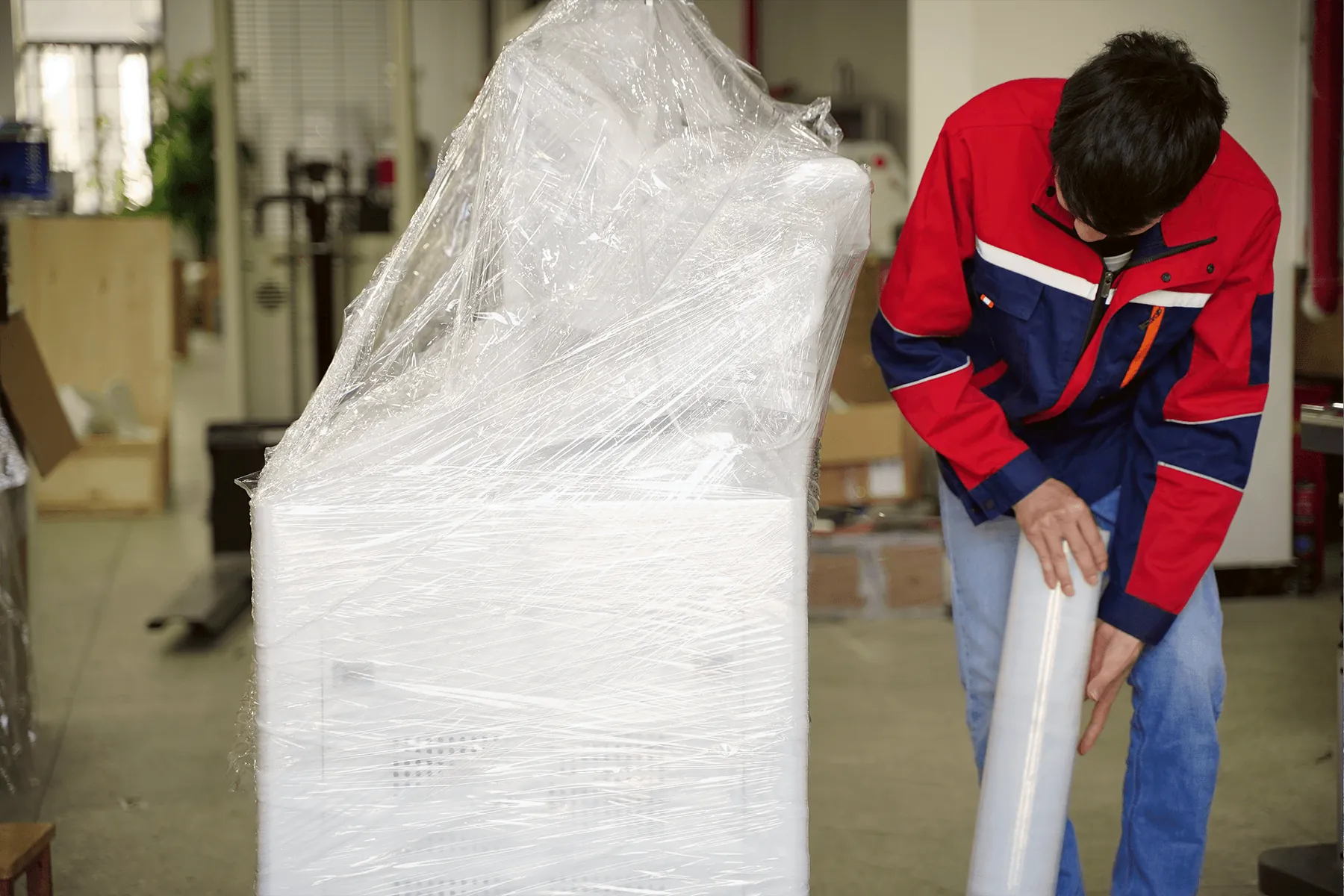
OEM
Your own branding on the machine: a custom logo on the GP200B body and the UP200P control cabinet, and an optional logo light box on the UP200.OEM supply
Request a Configuration From the Manufacturer
Tell us what your business sells today and the walls your clients ask for. We send back a configuration, the quotation and the certificate set that covers it.
Use the form here, the contact form page or WhatsApp, or go back to the home page to compare the range.
- WhatsApp: +86 18571639620
- Phone: +86 18571639620